VoiceCloud Webflow Template

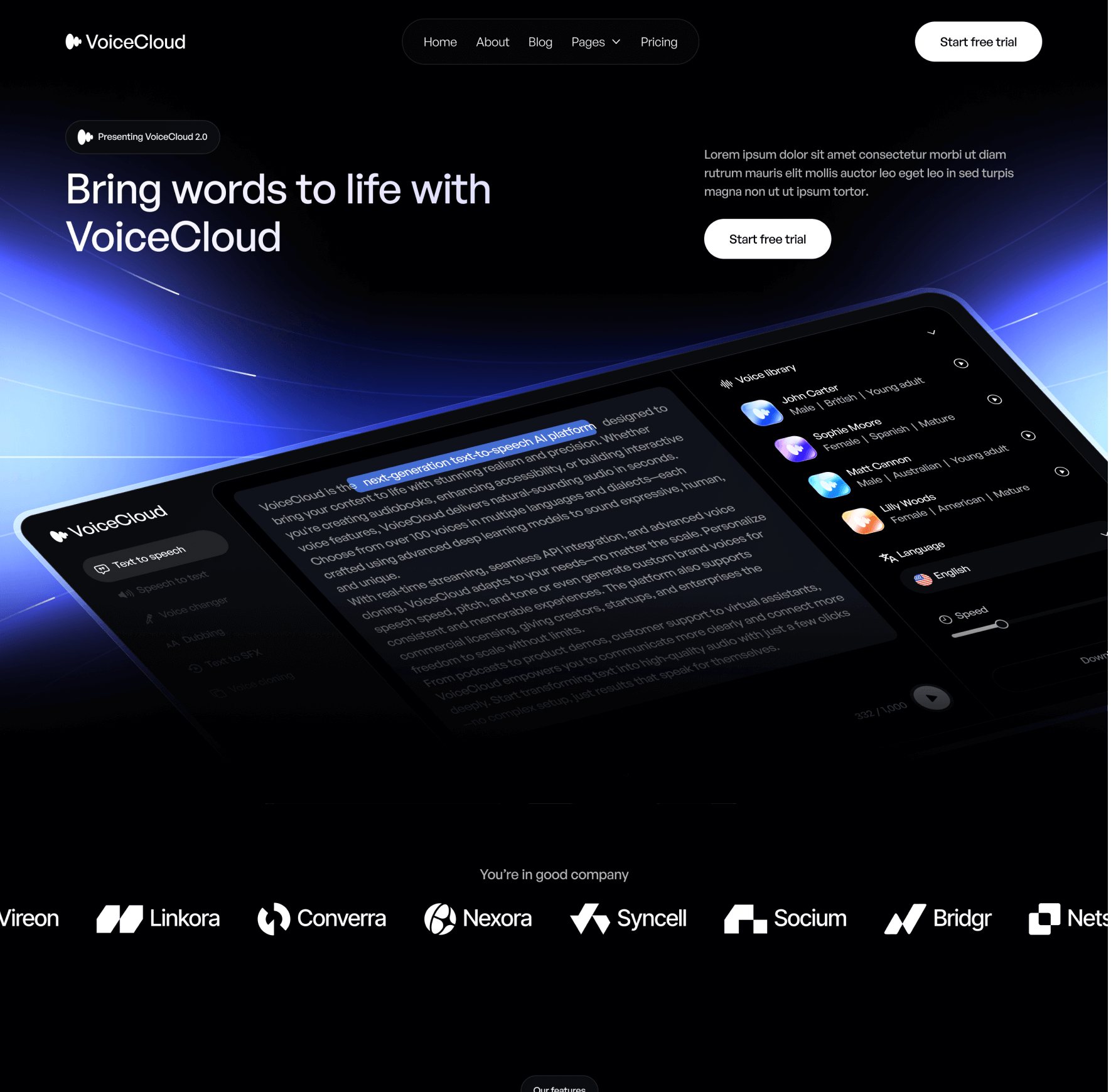
Presenting VoiceCloud, the ultimate Text to Speech App Webflow Template.
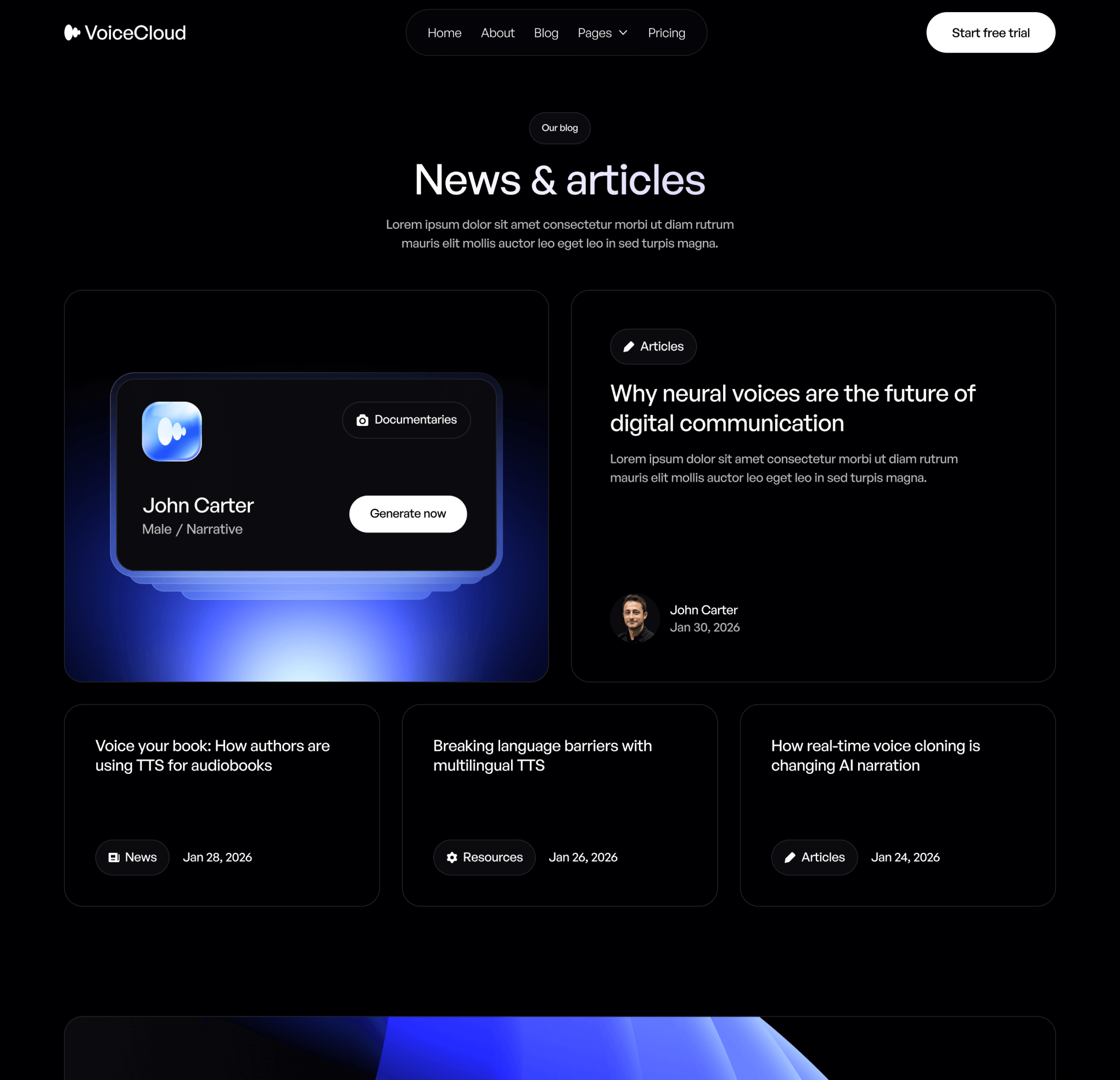
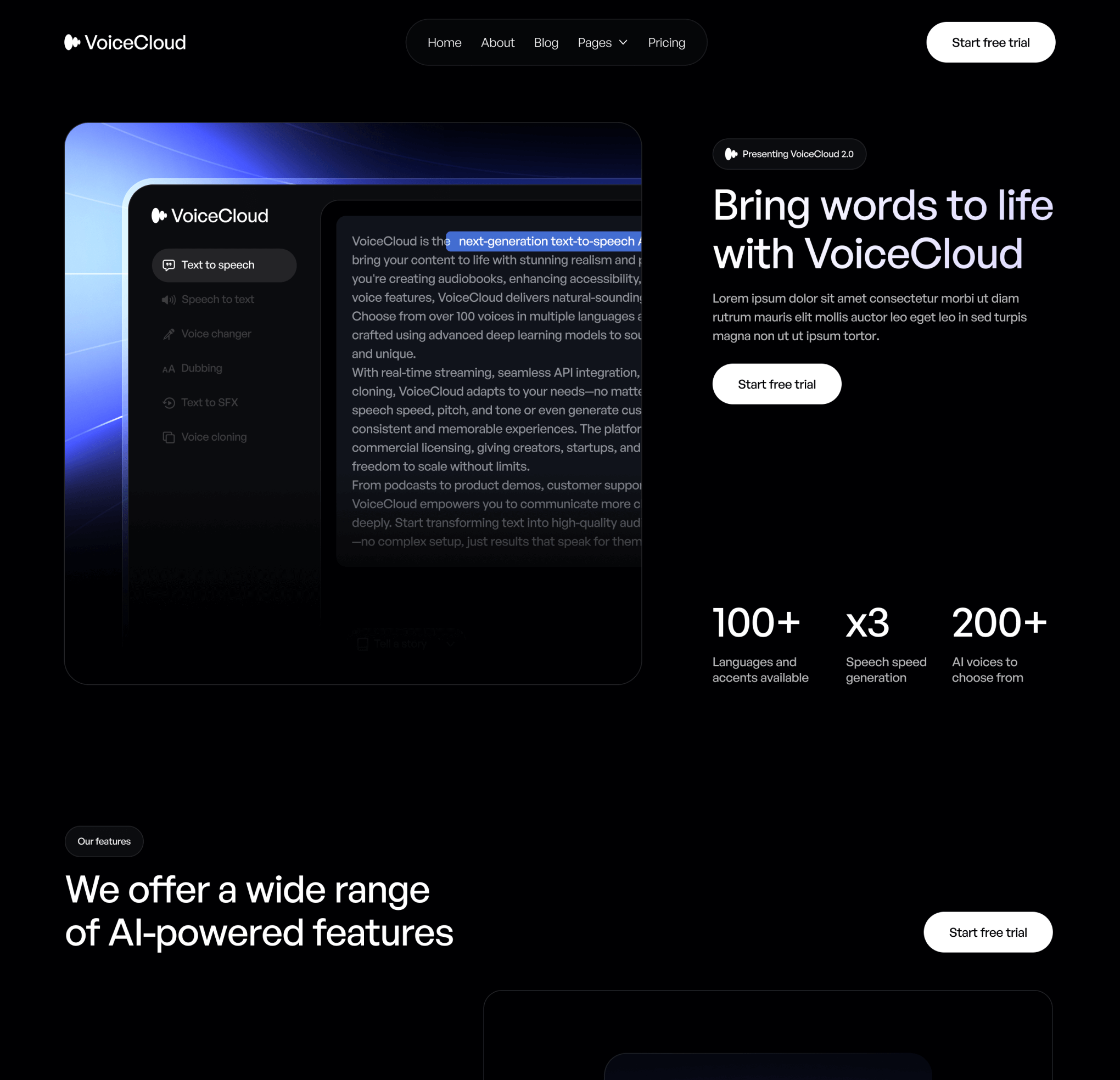
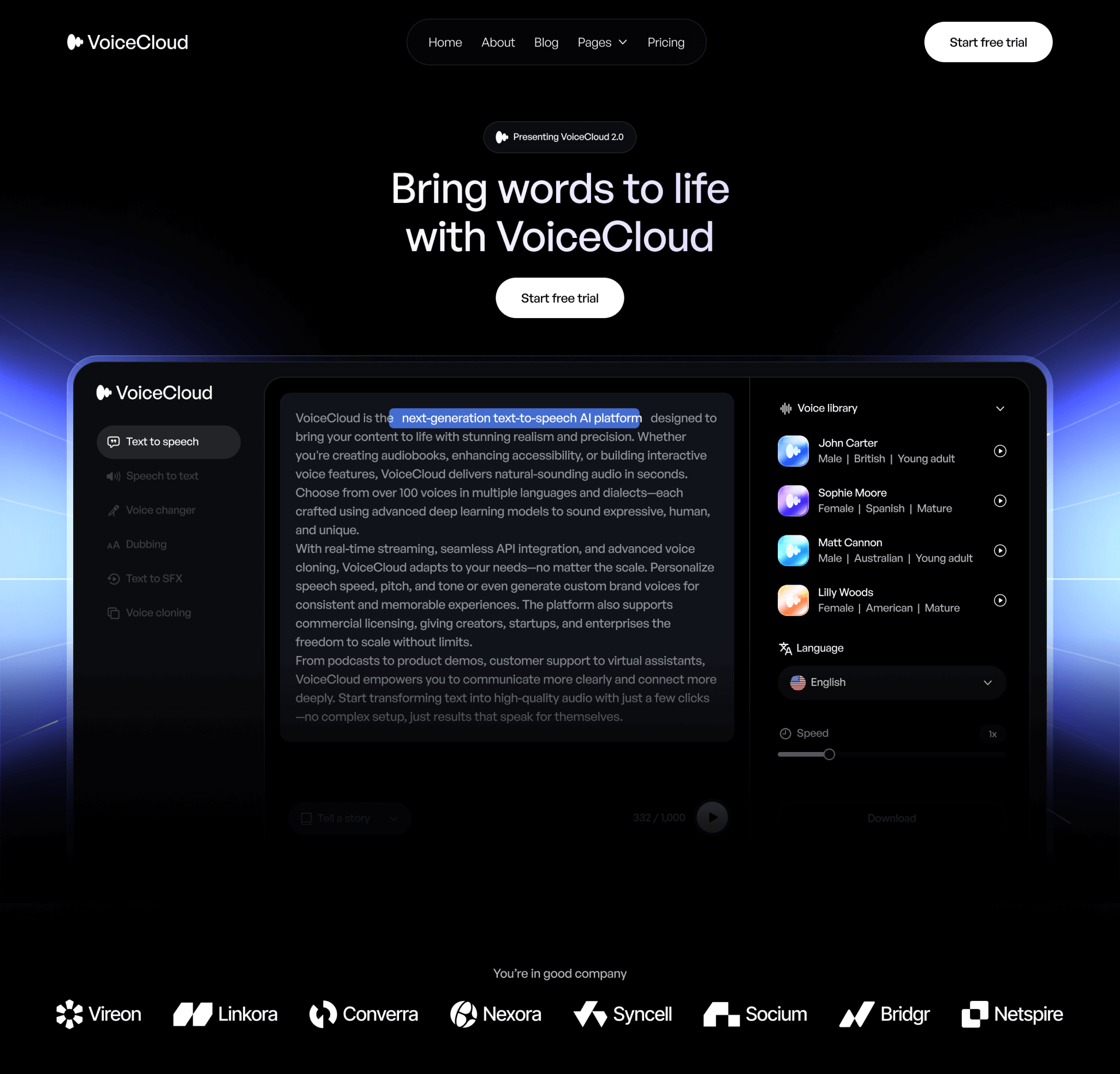
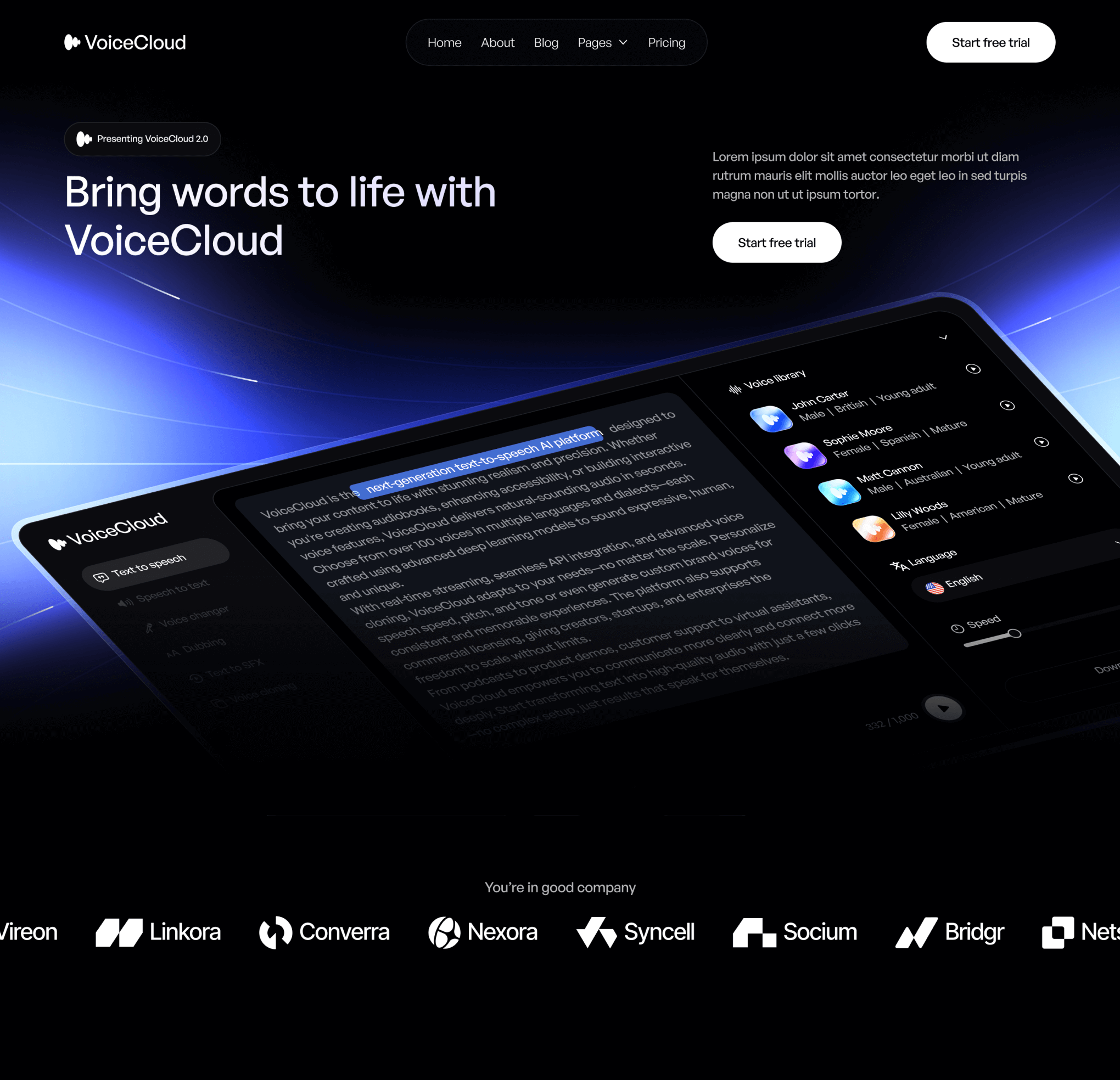
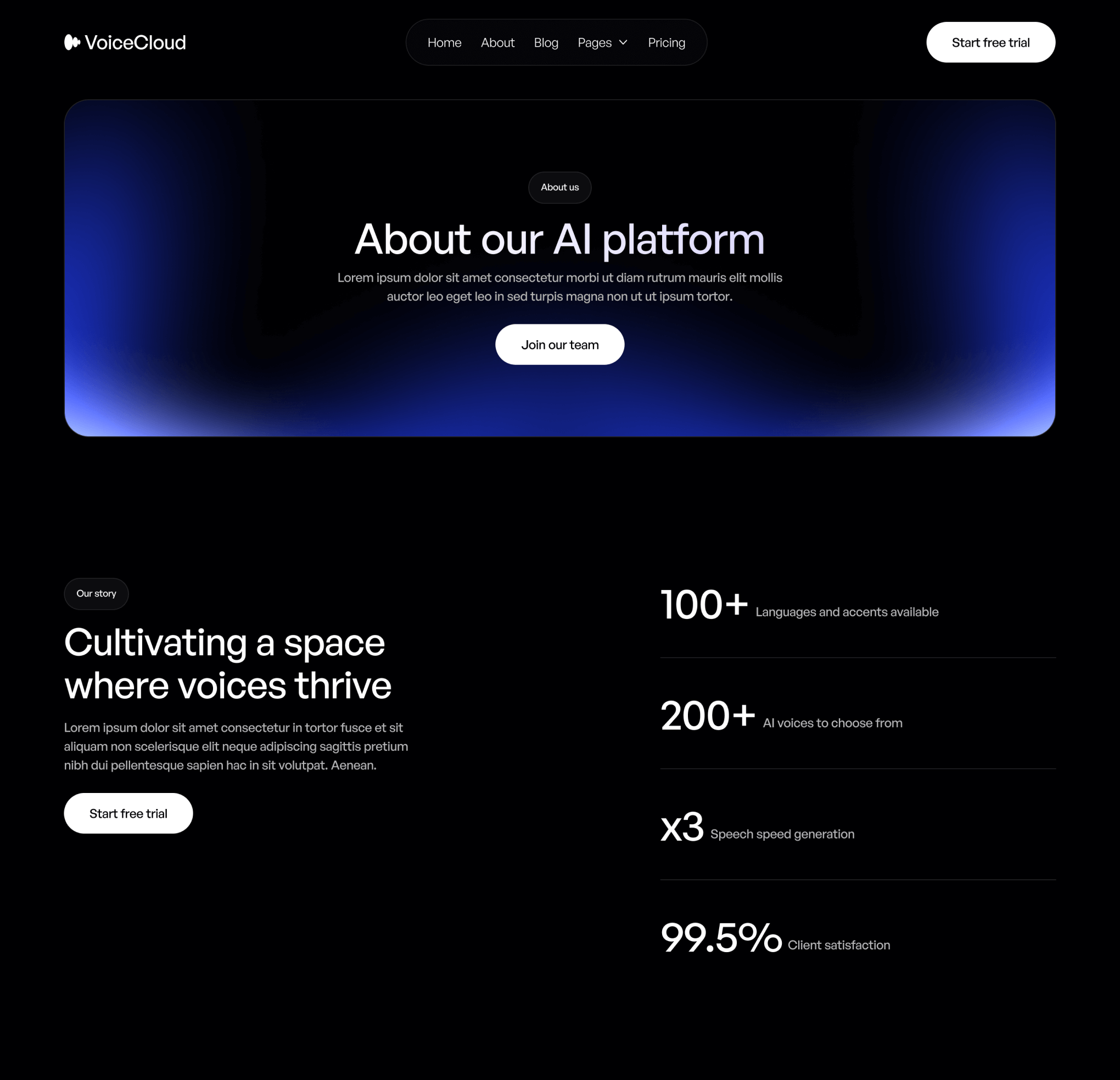
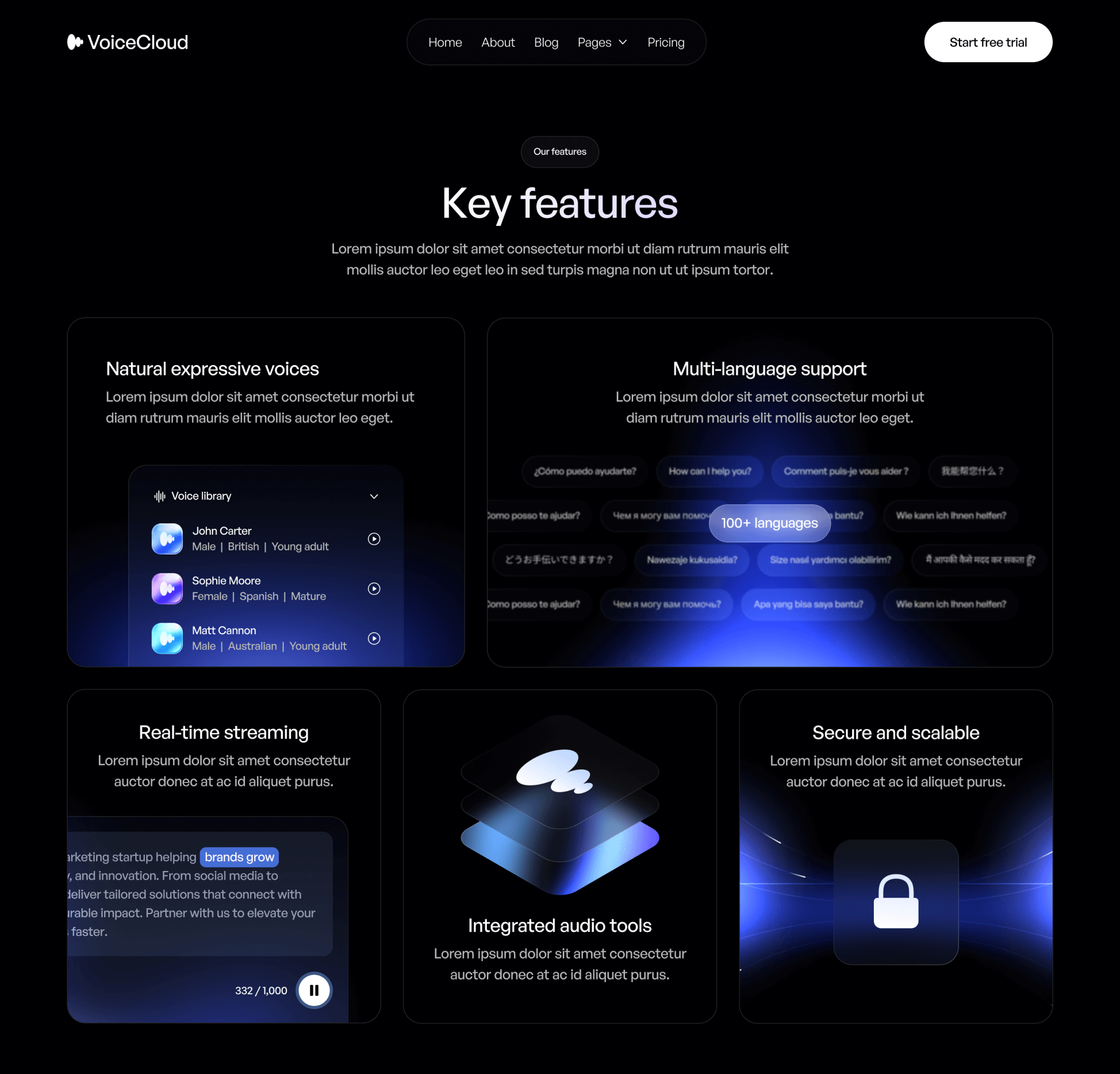
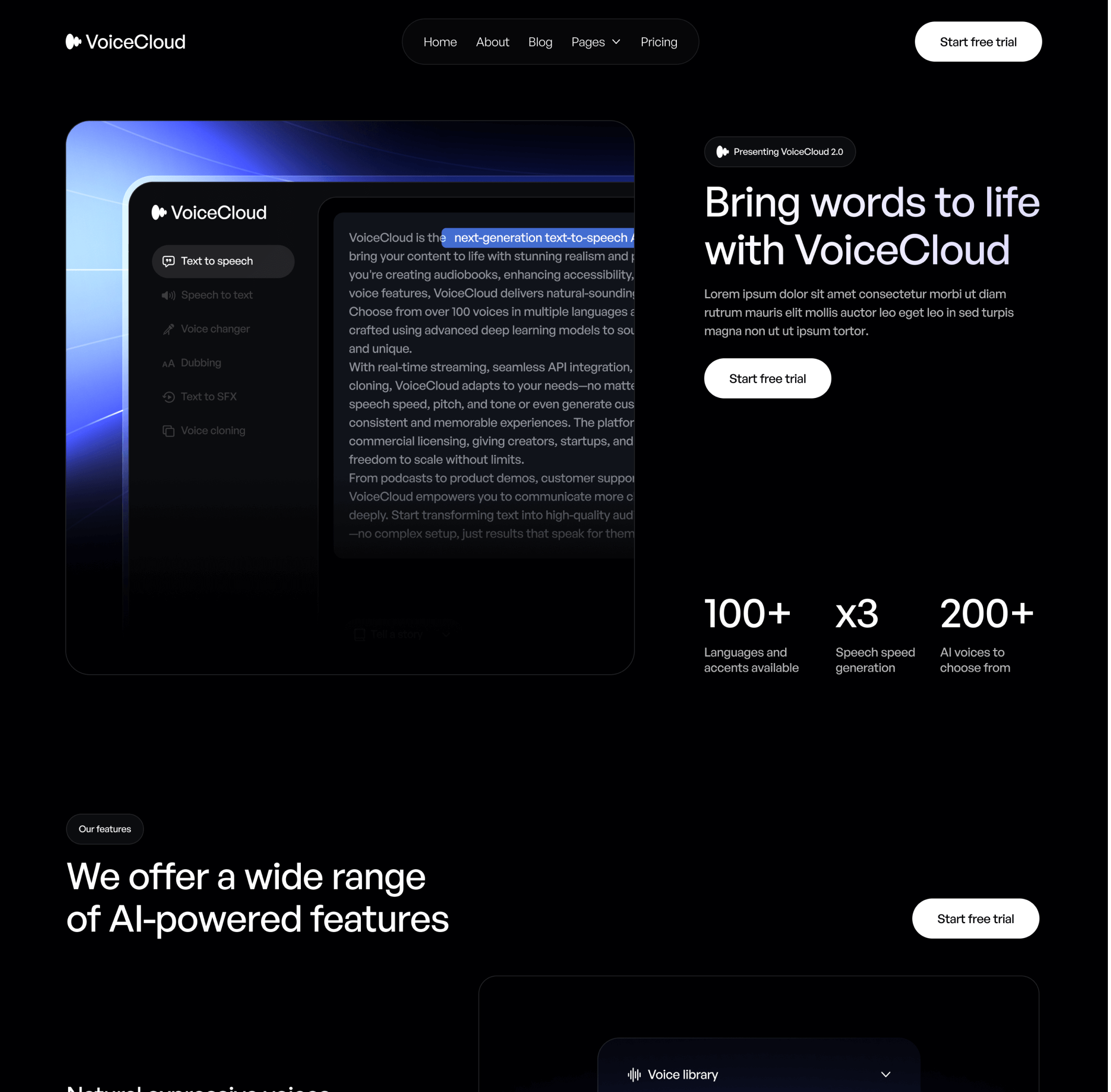
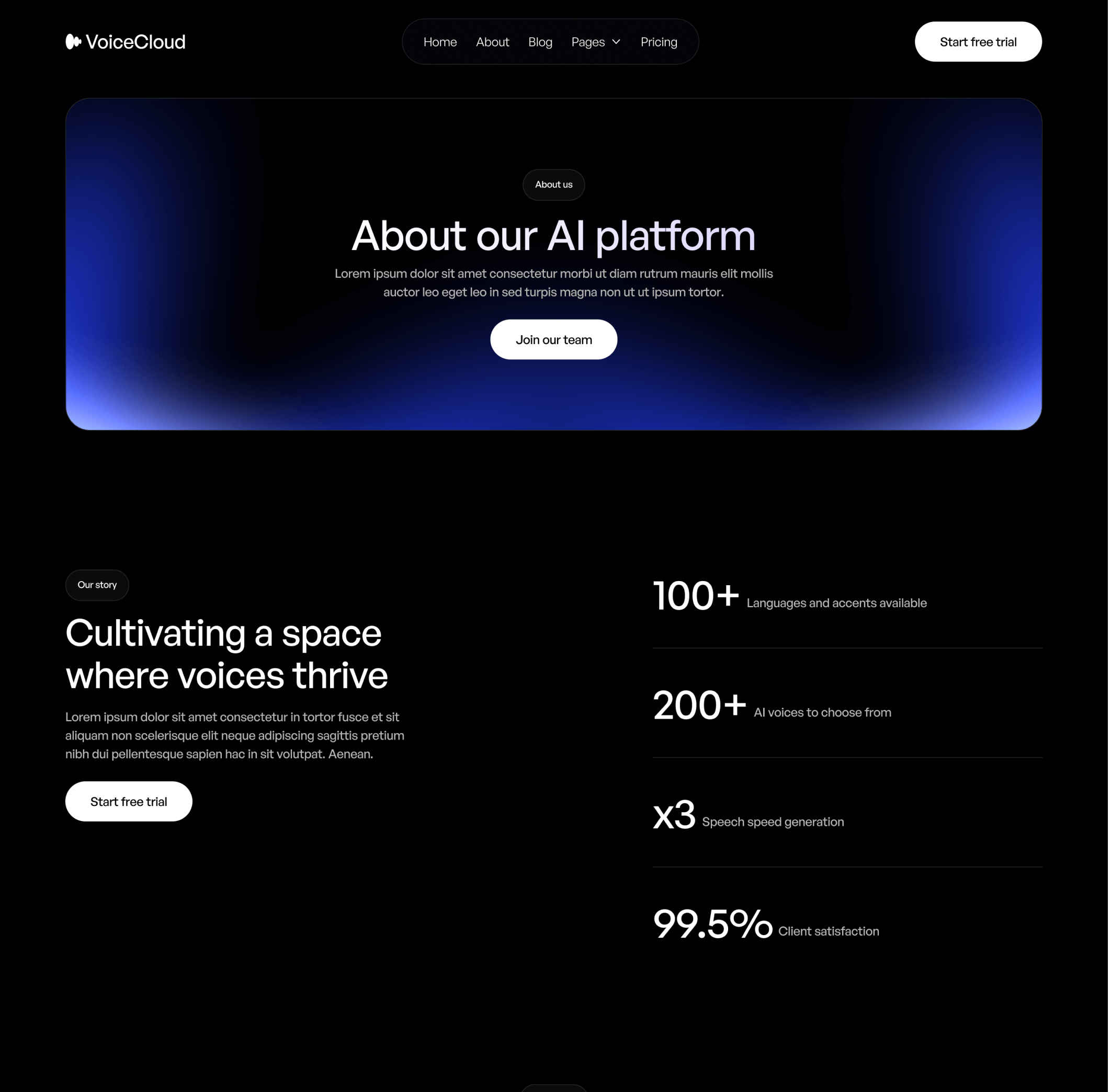
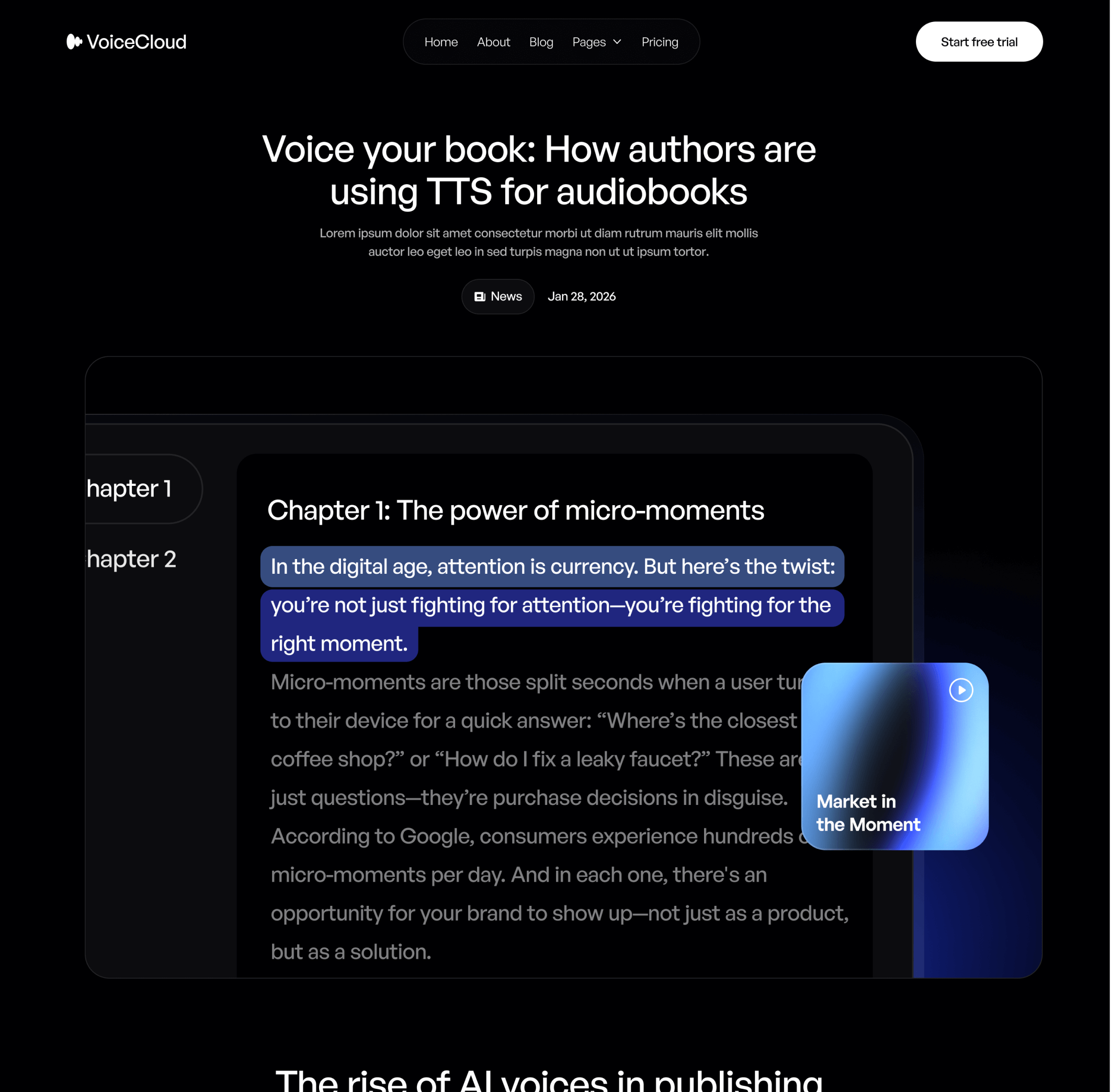
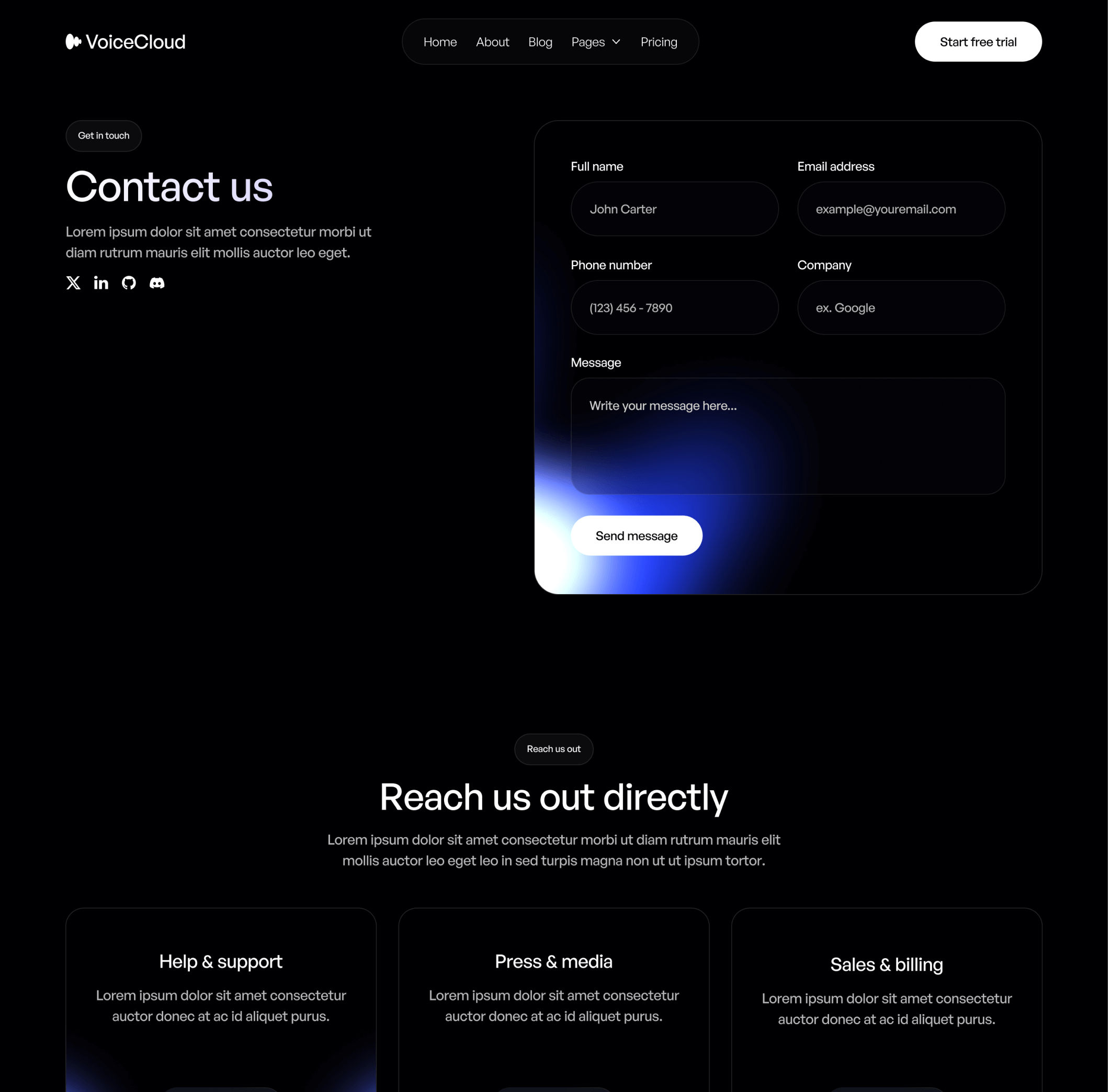
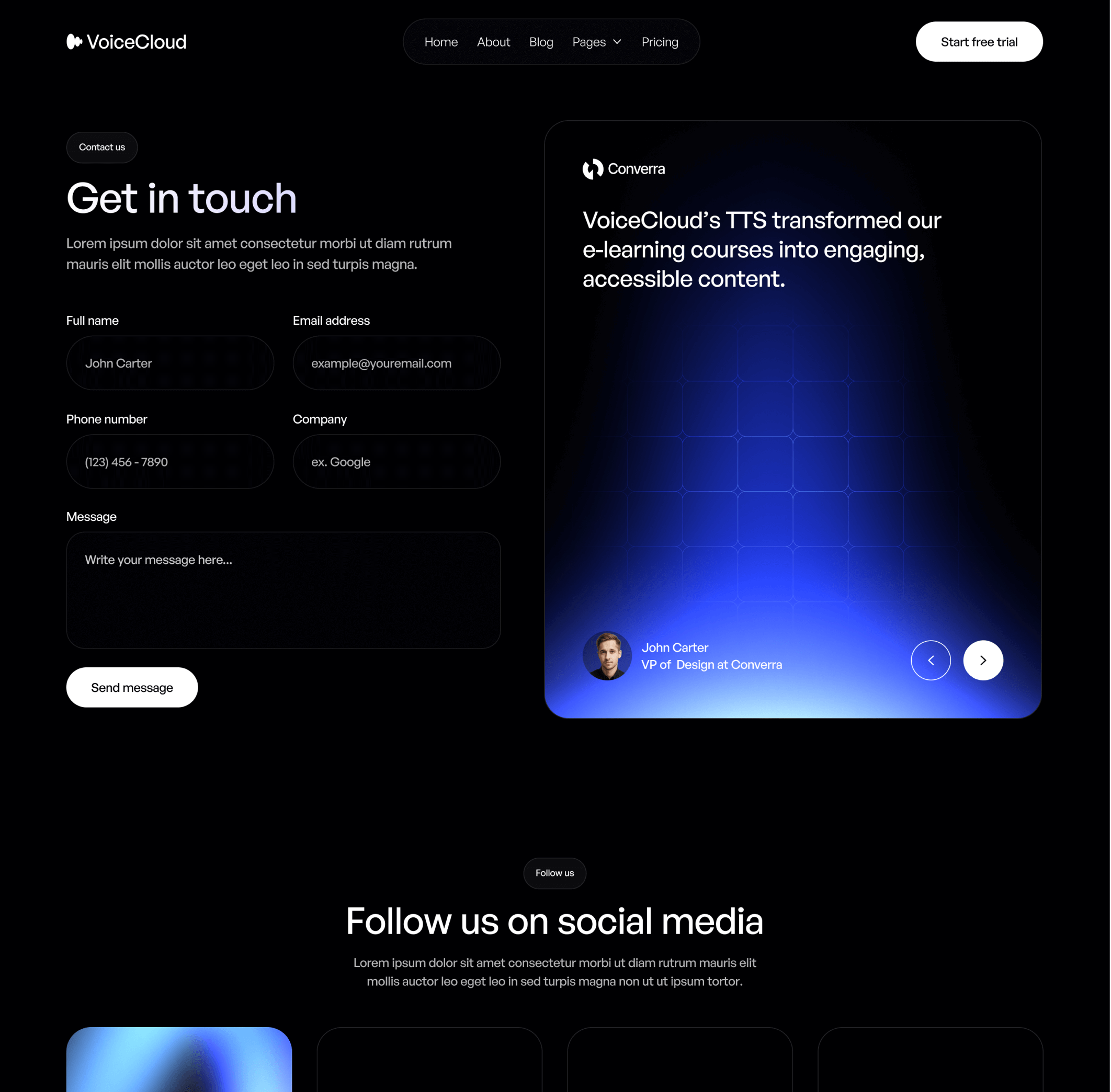
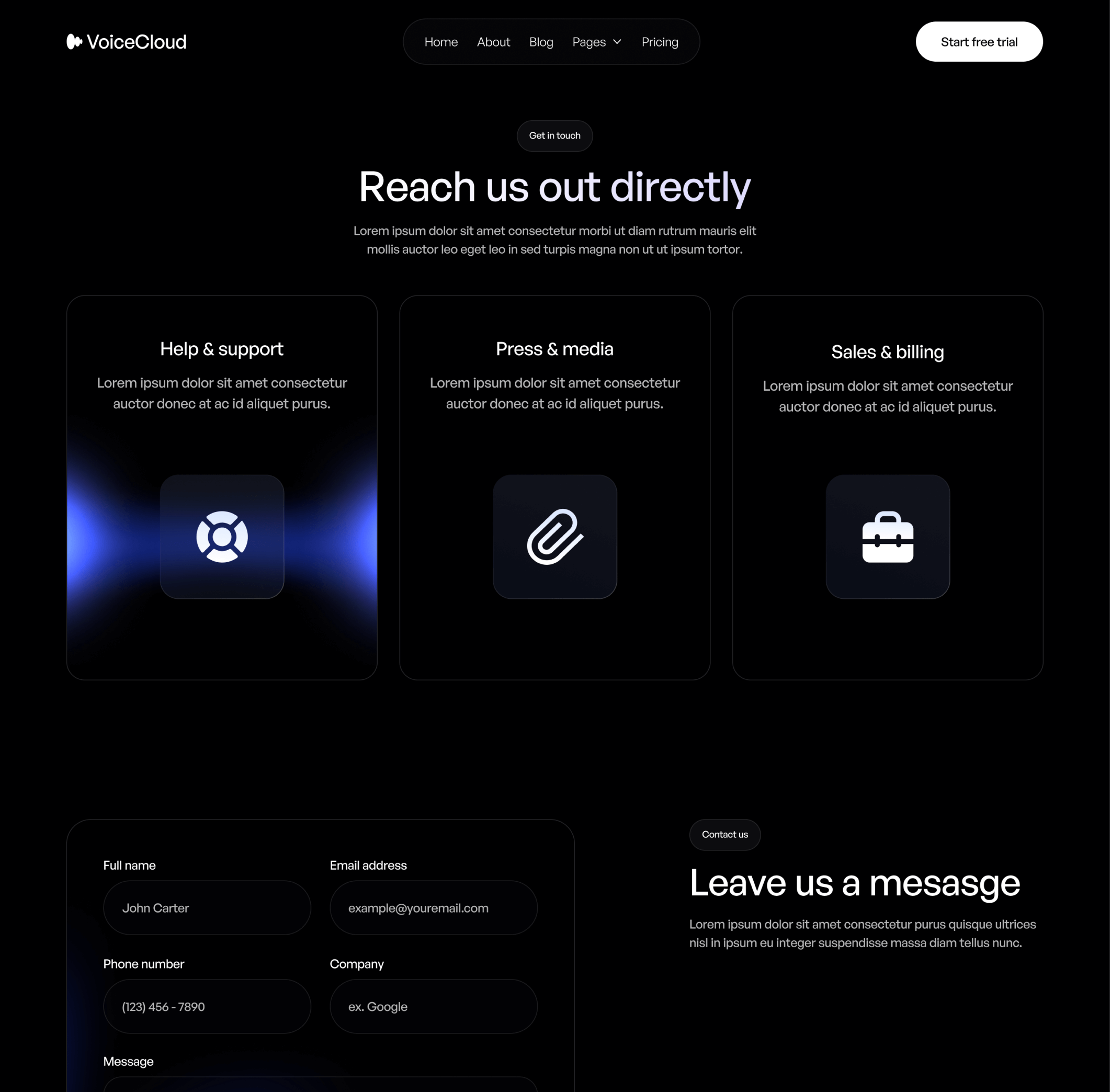
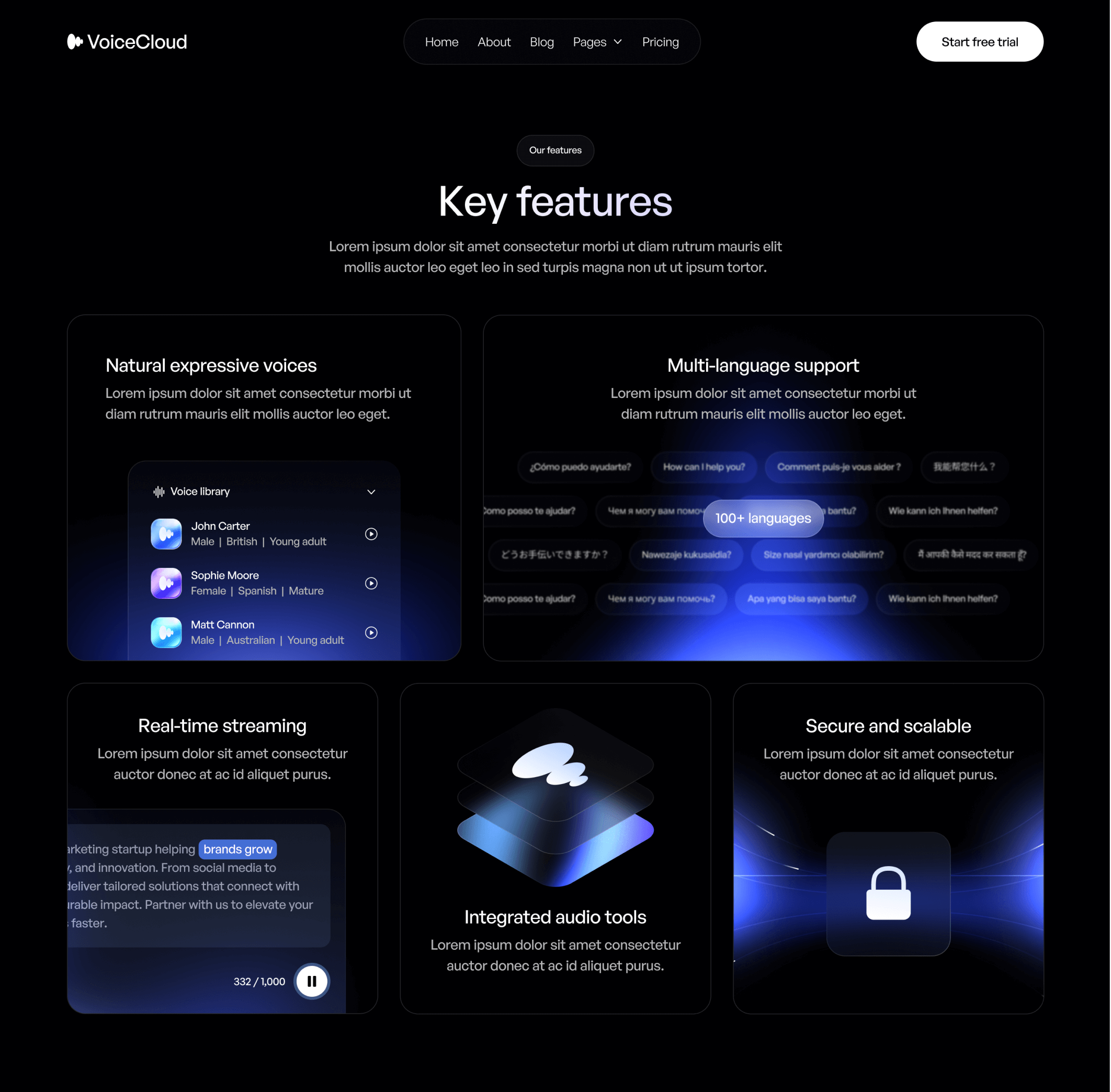
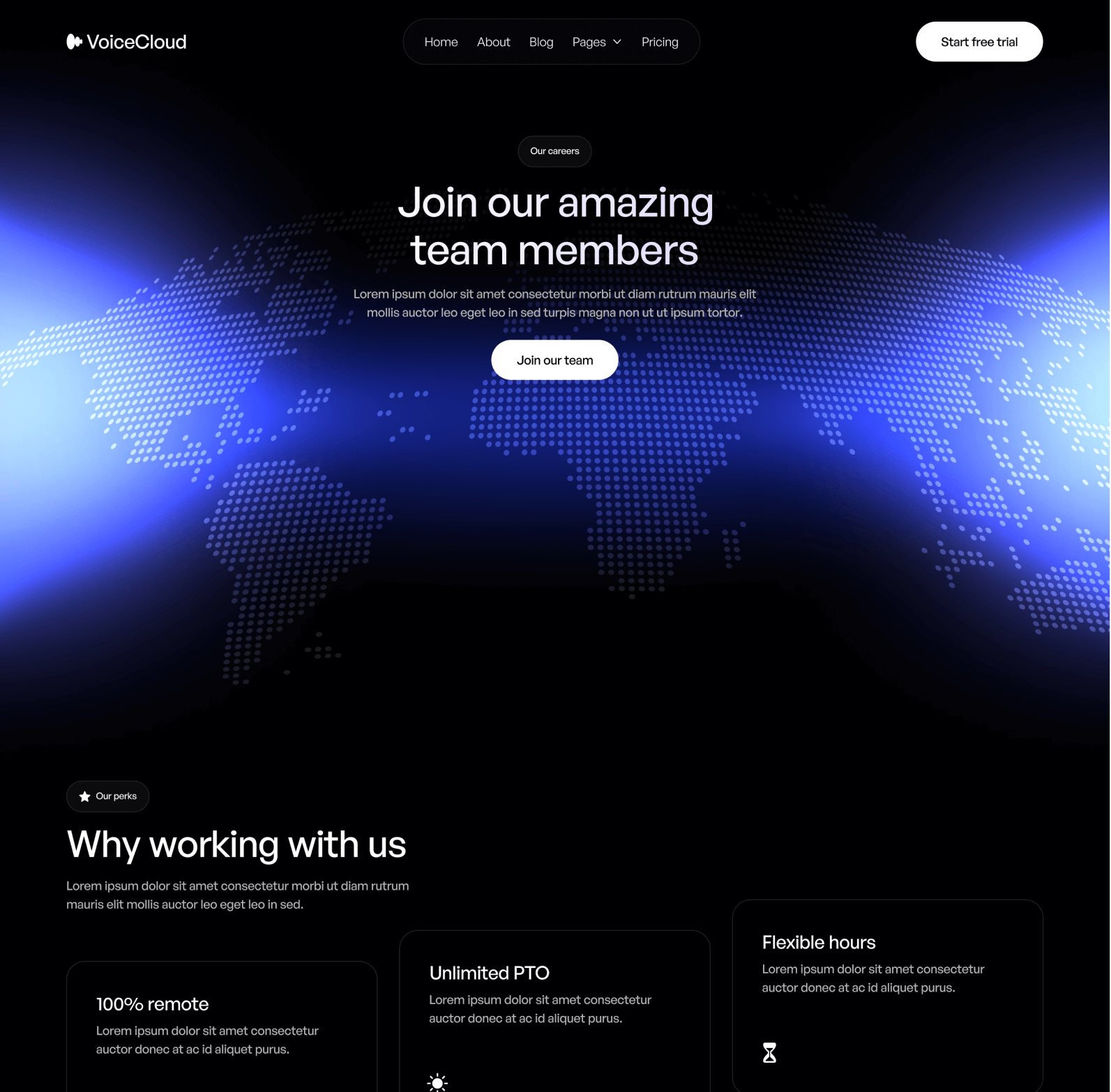
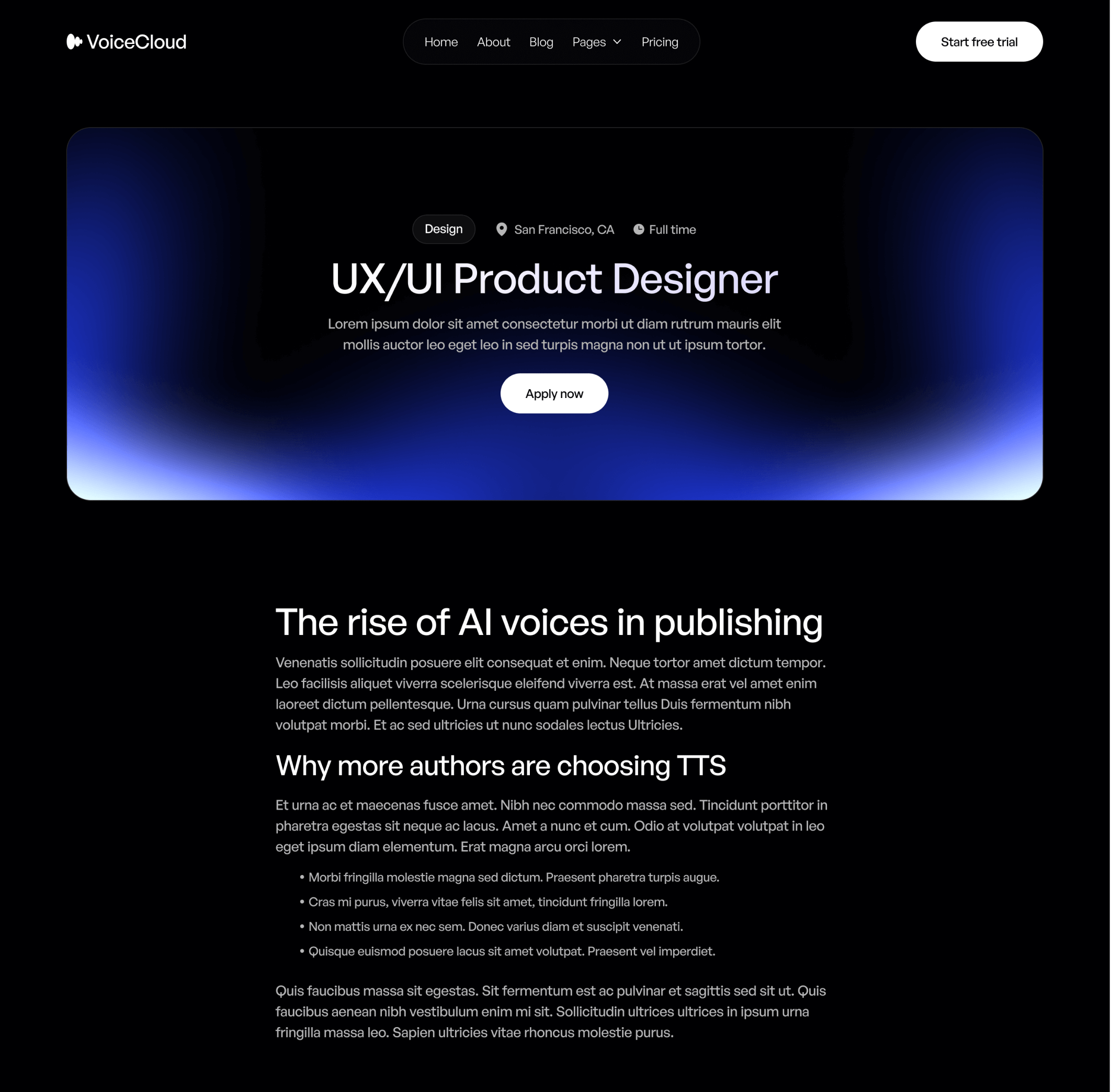
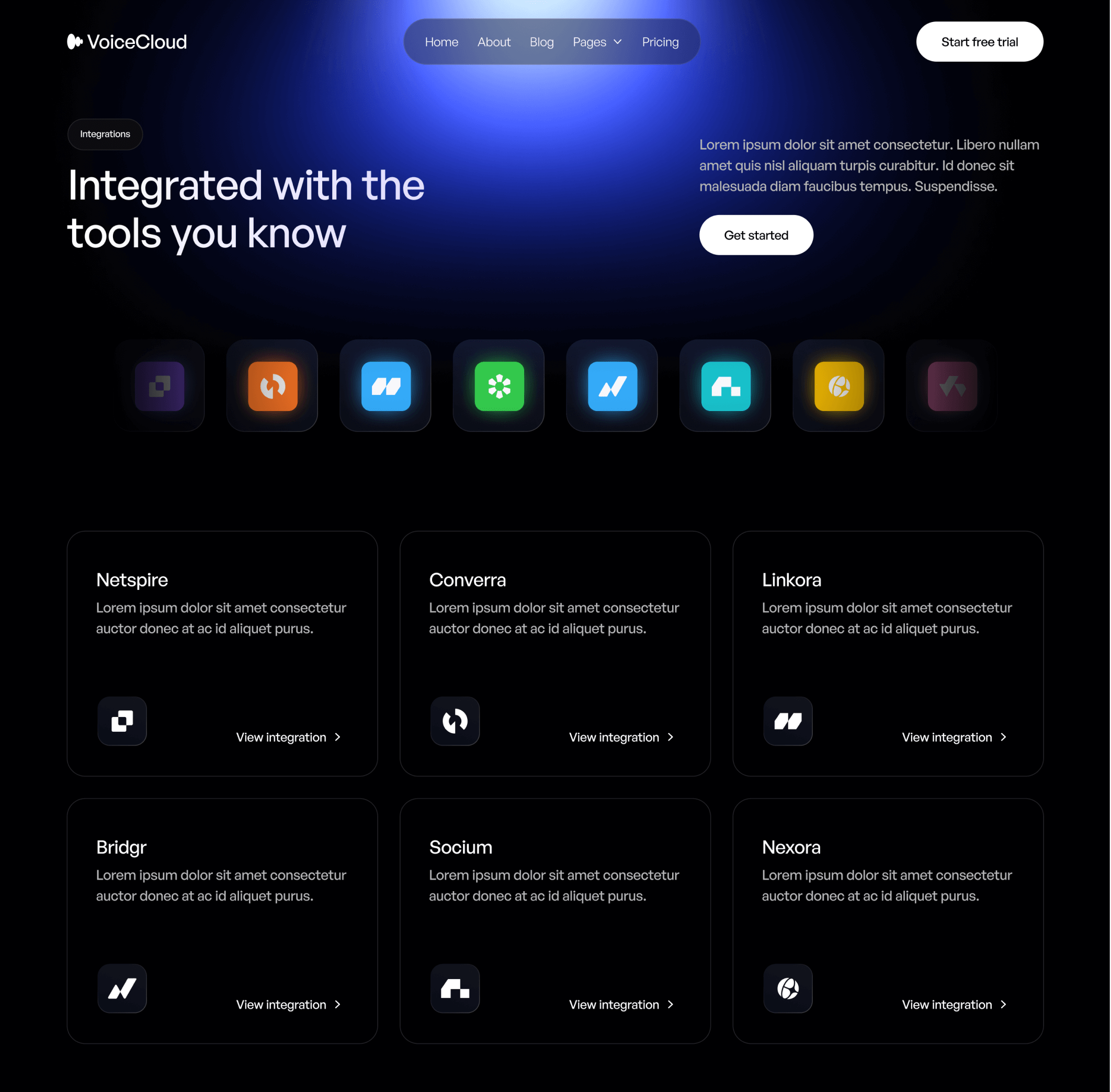
VoiceCloud - Blog V1 Page - Text to Speech App Webflow Template | BRIX TemplatesVoiceCloud - Home V2 Page - Text to Speech App Webflow Template | BRIX TemplatesVoiceCloud - Home V1 Page - Text to Speech App Webflow Template | BRIX TemplatesVoiceCloud - Home V3 Page - Text to Speech App Webflow Template | BRIX TemplatesVoiceCloud - About Page - Text to Speech App Webflow Template | BRIX Templates
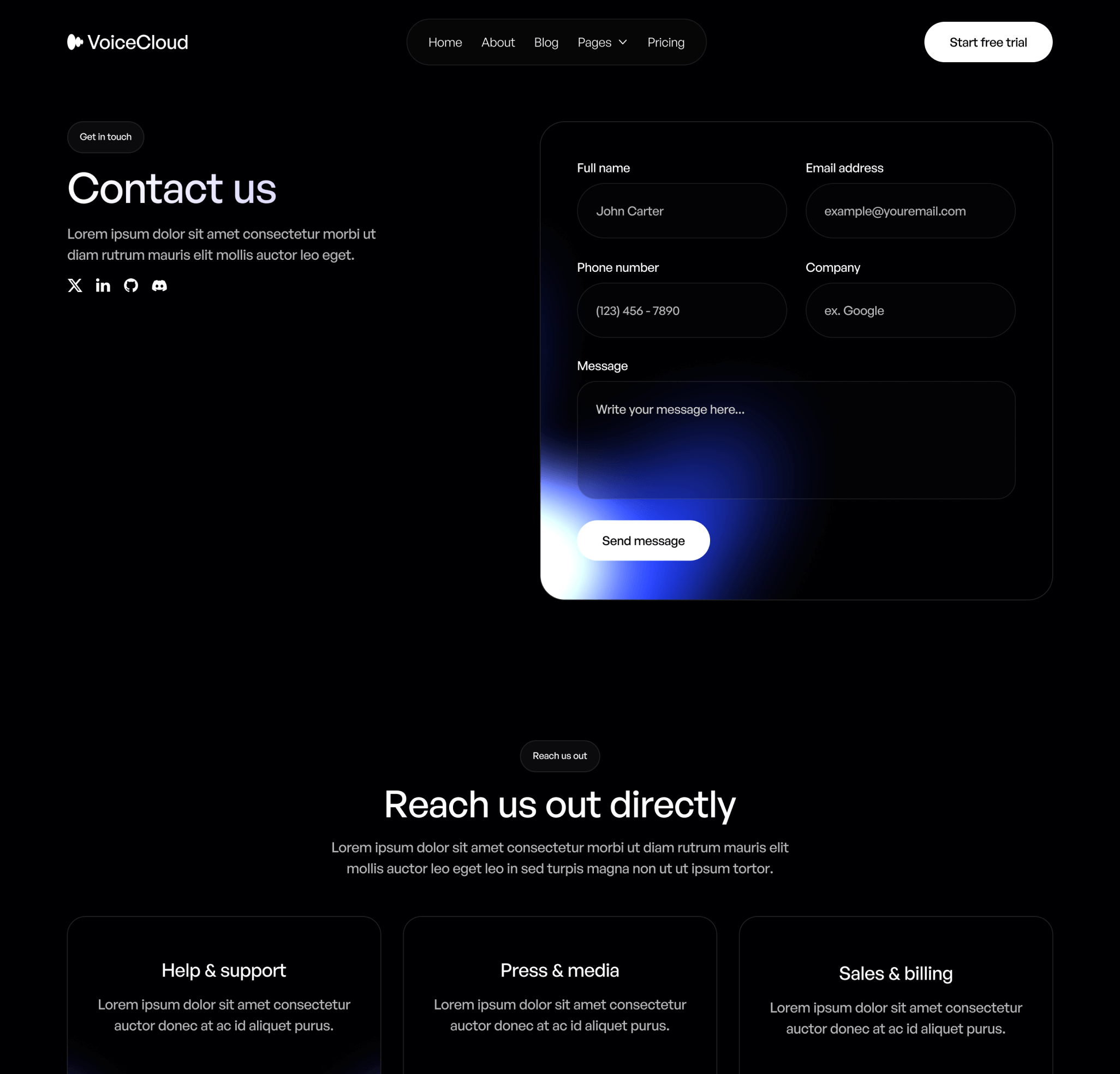
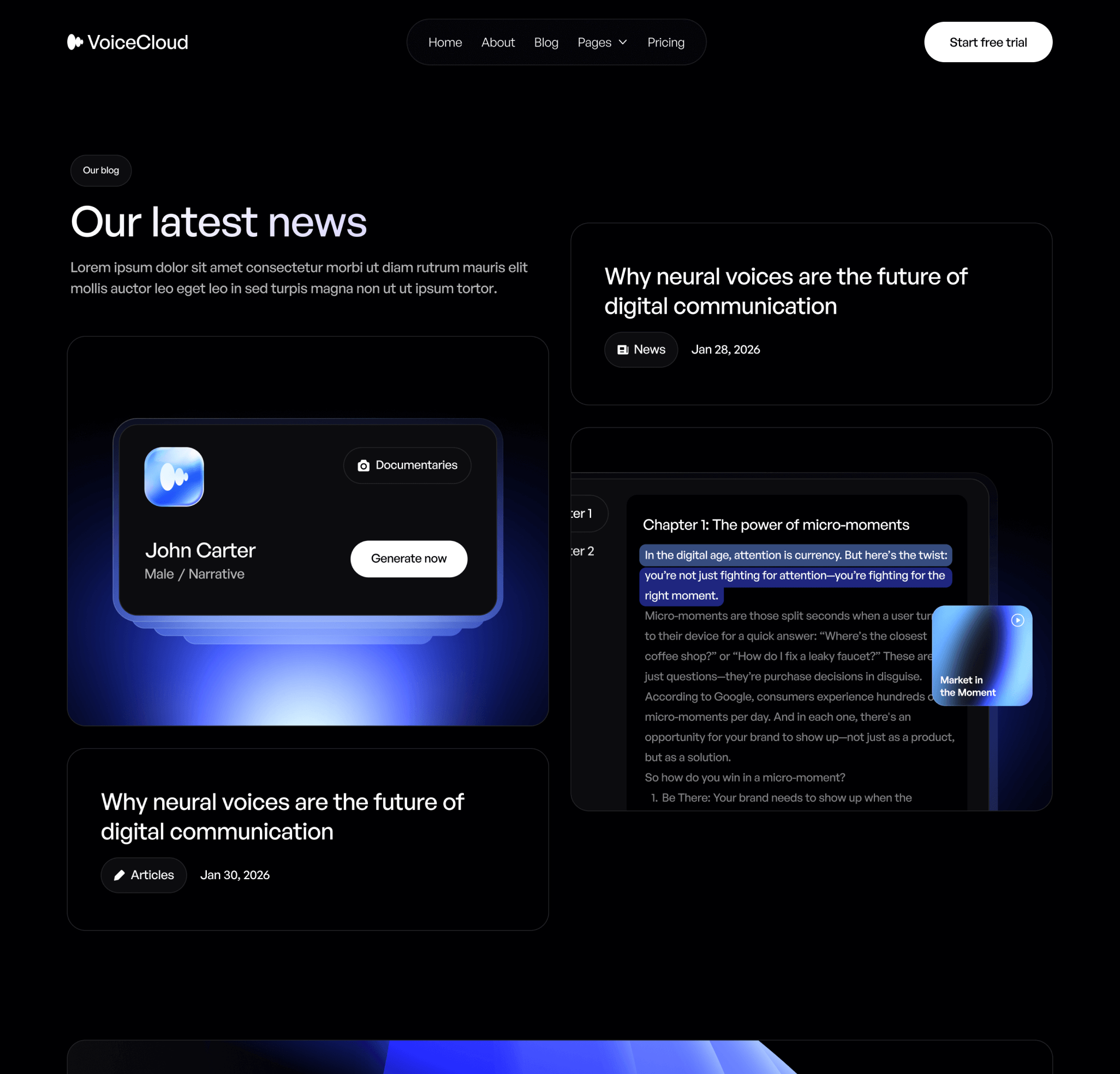
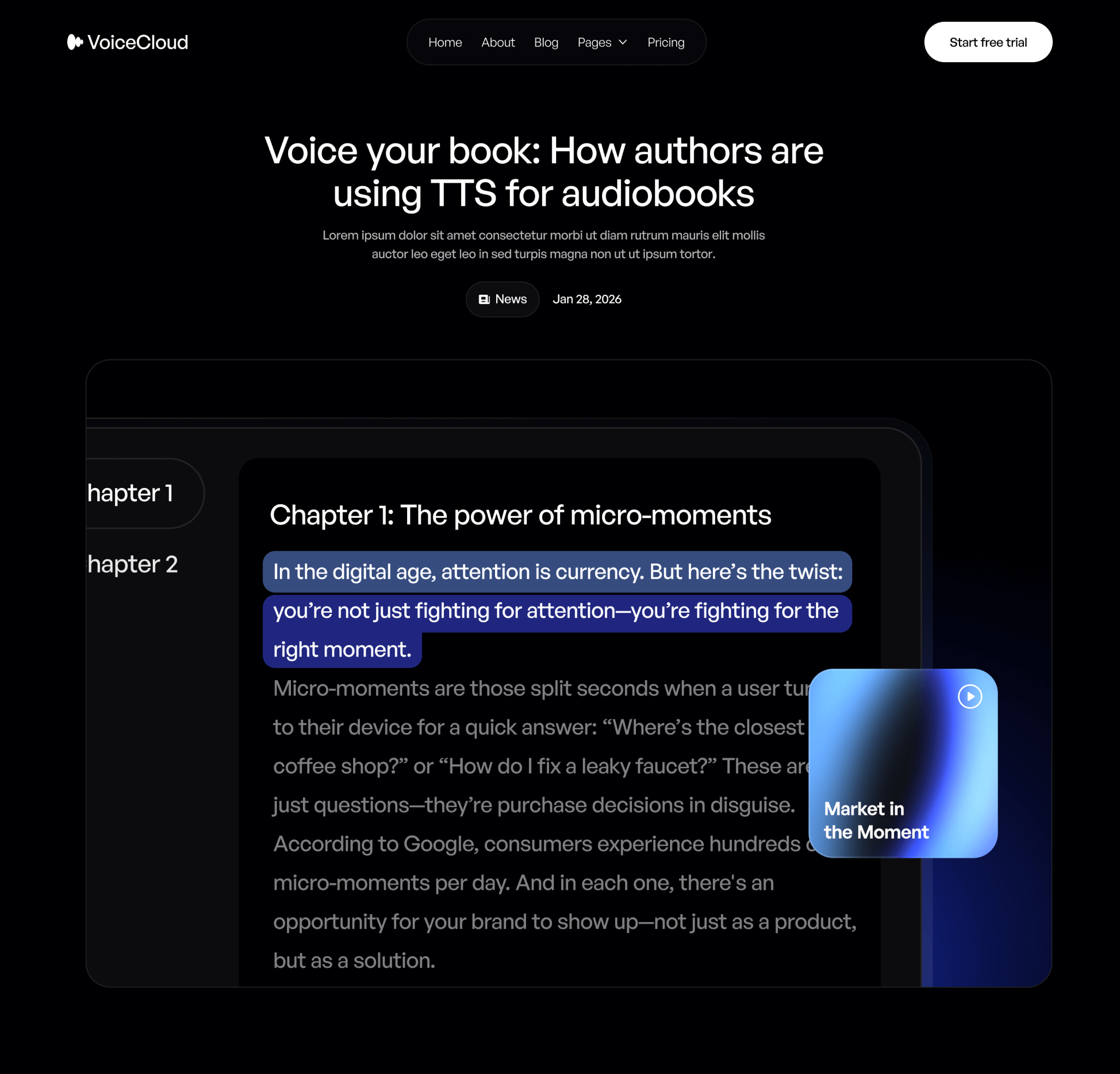
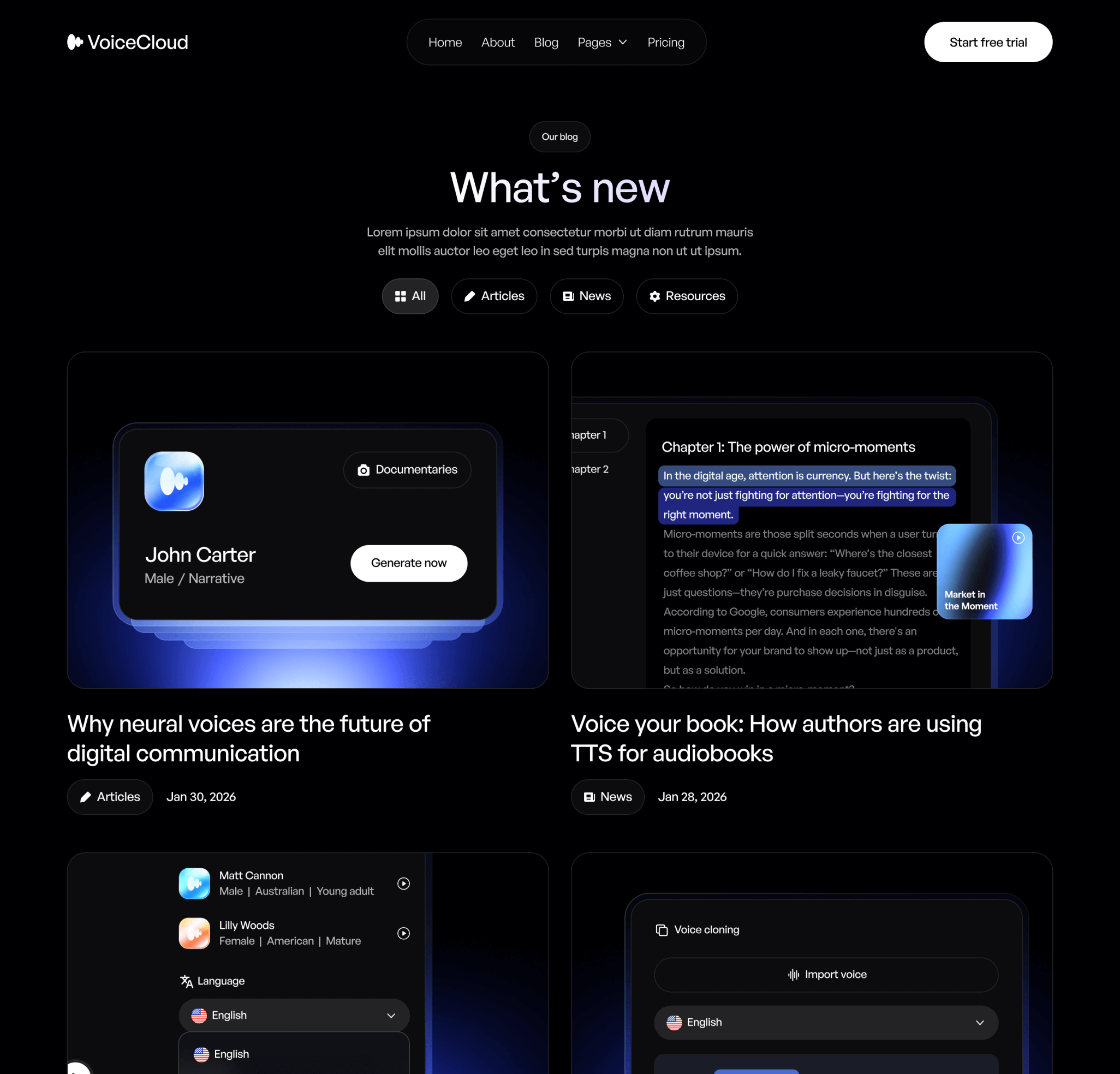
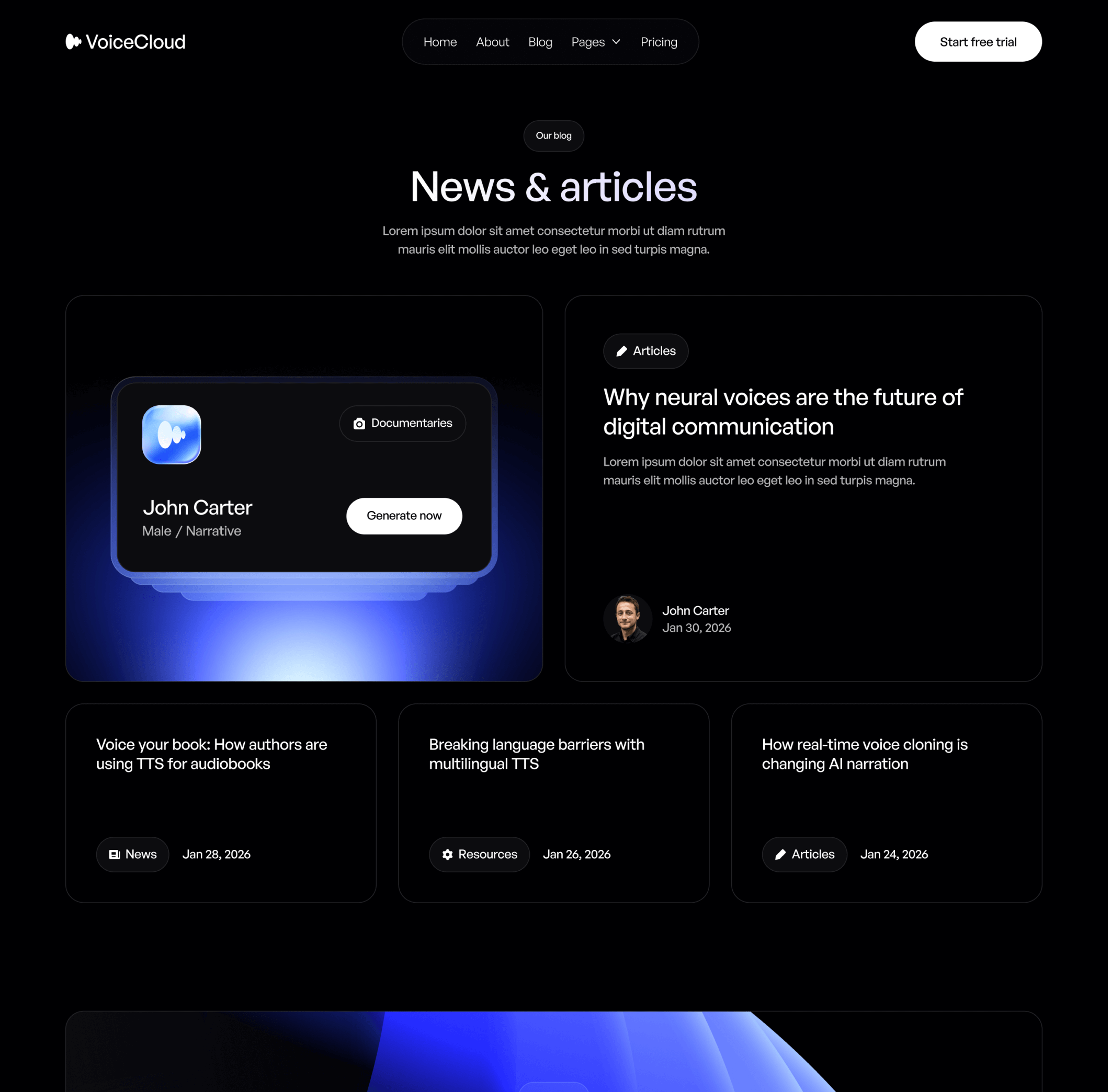
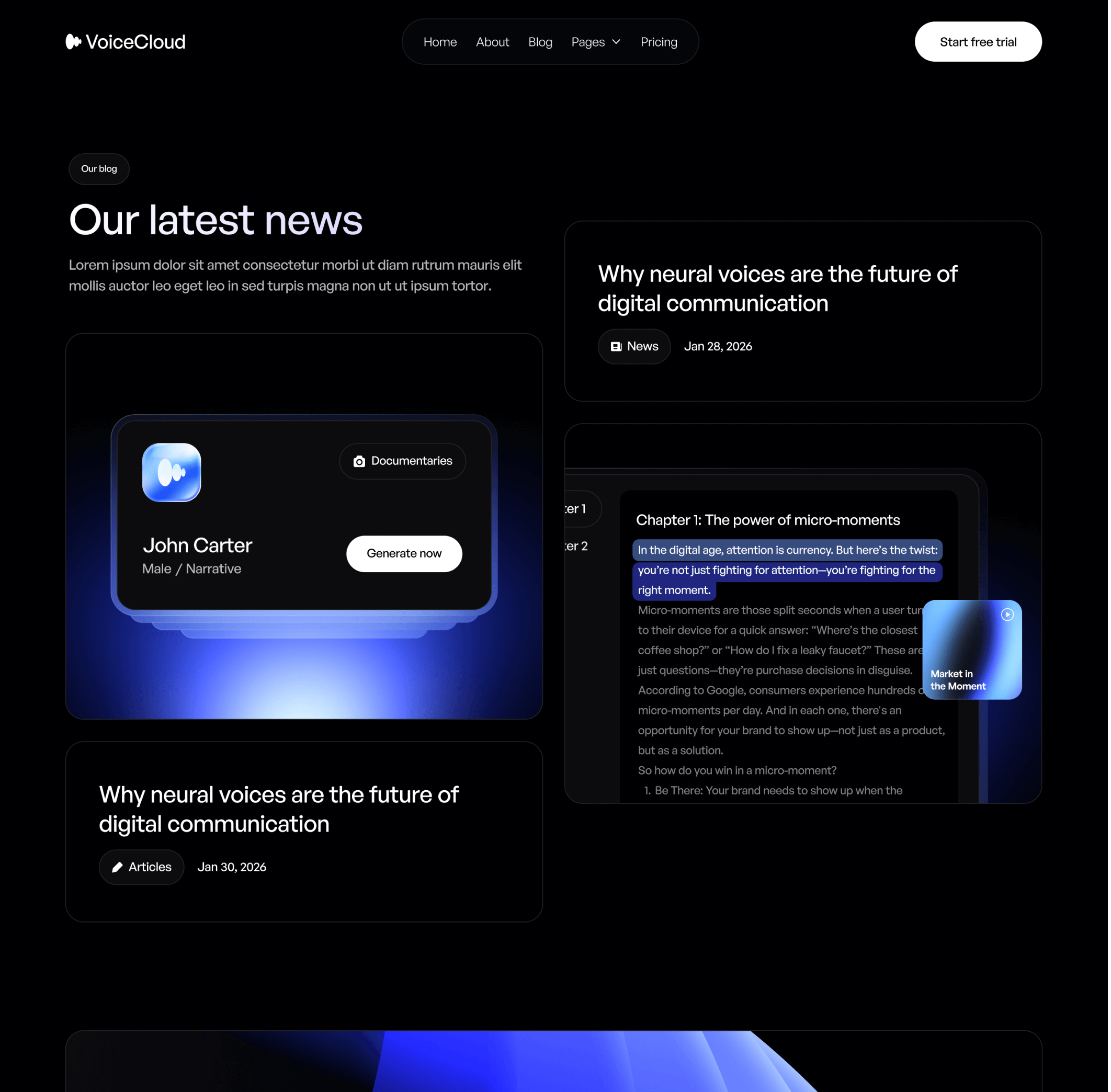
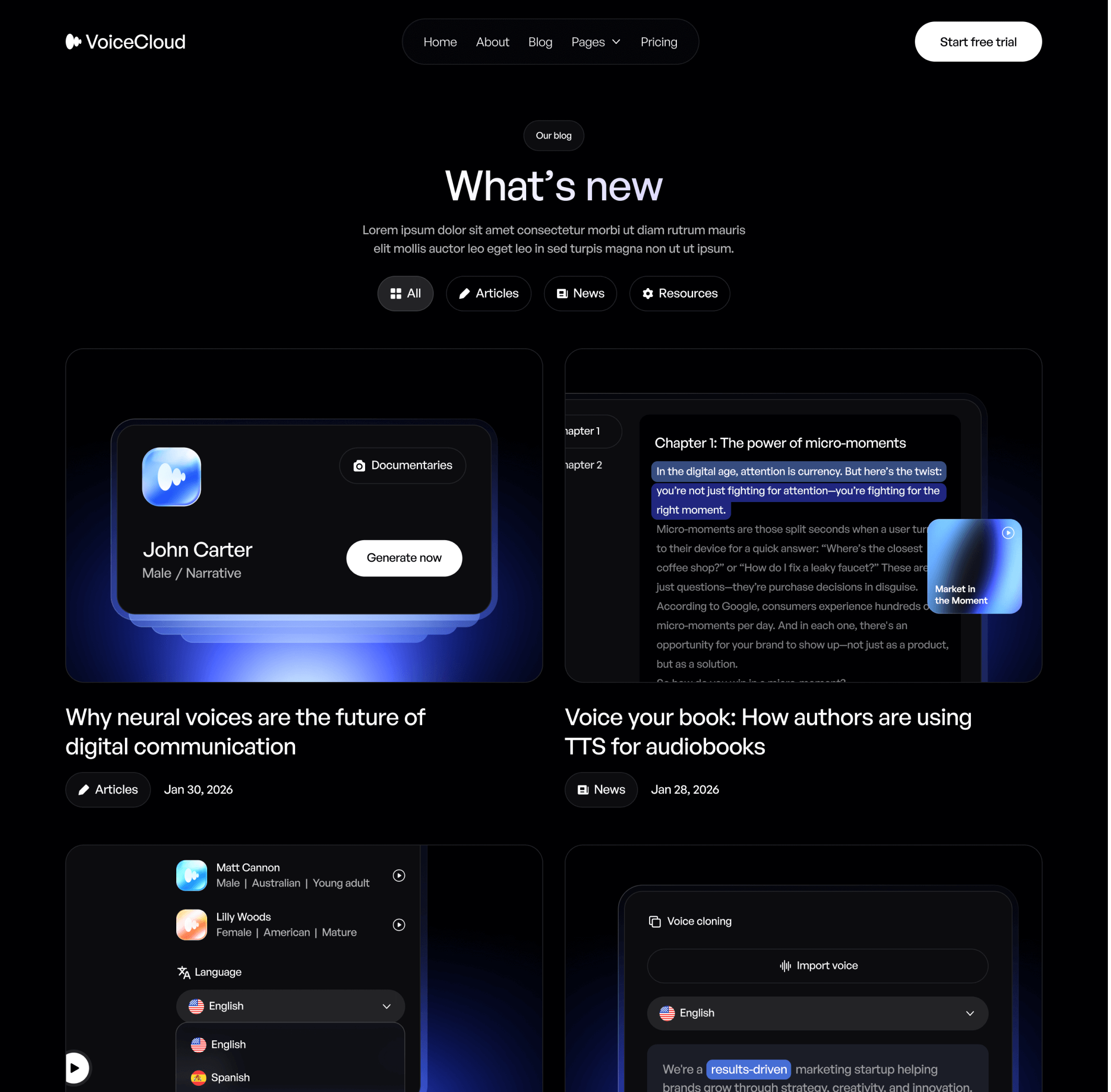
VoiceCloud - Contact V1 Page - Text to Speech App Webflow Template | BRIX TemplatesVoiceCloud - Blog V2 Page - Text to Speech App Webflow Template | BRIX TemplatesVoiceCloud - Blog Post Page - Text to Speech App Webflow Template | BRIX TemplatesVoiceCloud - Blog V3 Page - Text to Speech App Webflow Template | BRIX TemplatesVoiceCloud - Features Page - Text to Speech App Webflow Template | BRIX Templates

What is included in VoiceCloud

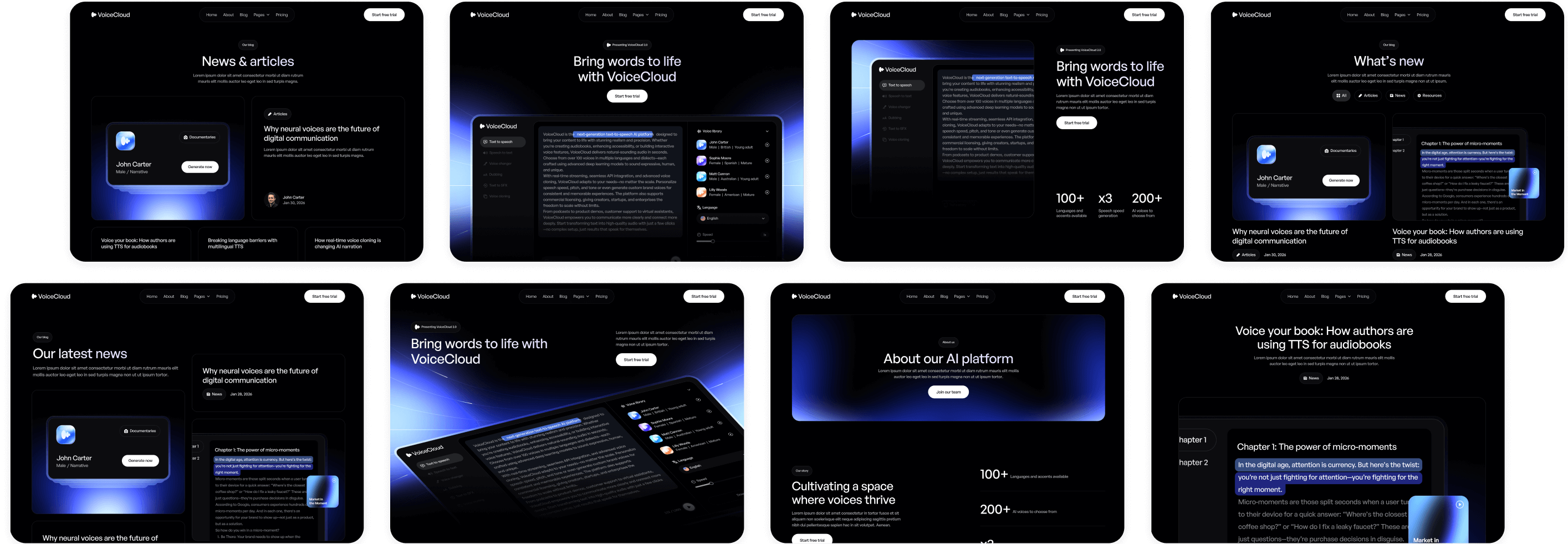
VoiceCloud Webflow Template includes over 22 pages in total, with more than 42 sections, and 3 different Home, Blog & Contact pages.
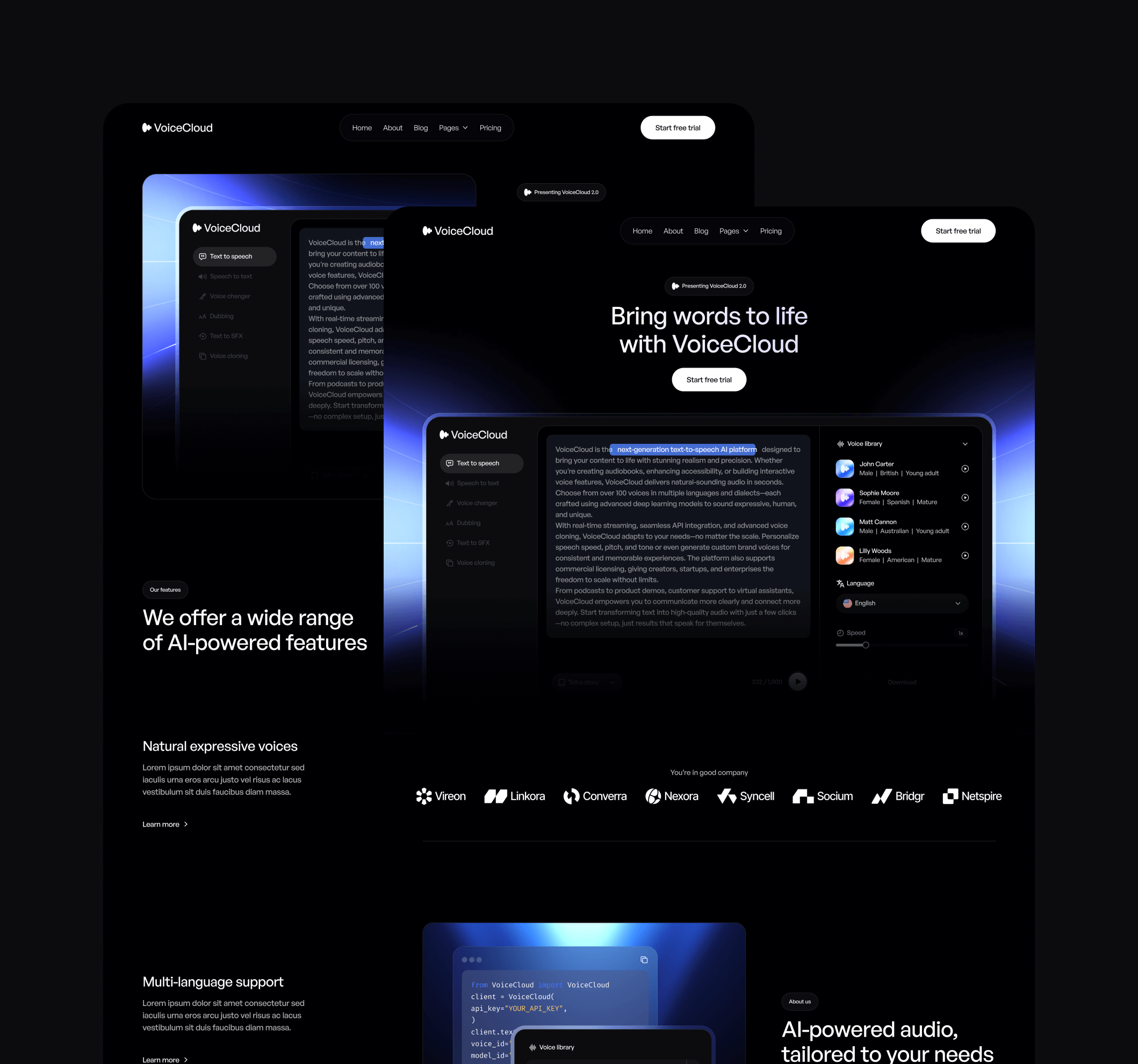
VoiceCloud - Pages Included - Text to Speech App Webflow Template | BRIX Templates
22+
Pages
VoiceCloud - Sections Included - Text to Speech App Webflow Template | BRIX Templates
42+
Sections
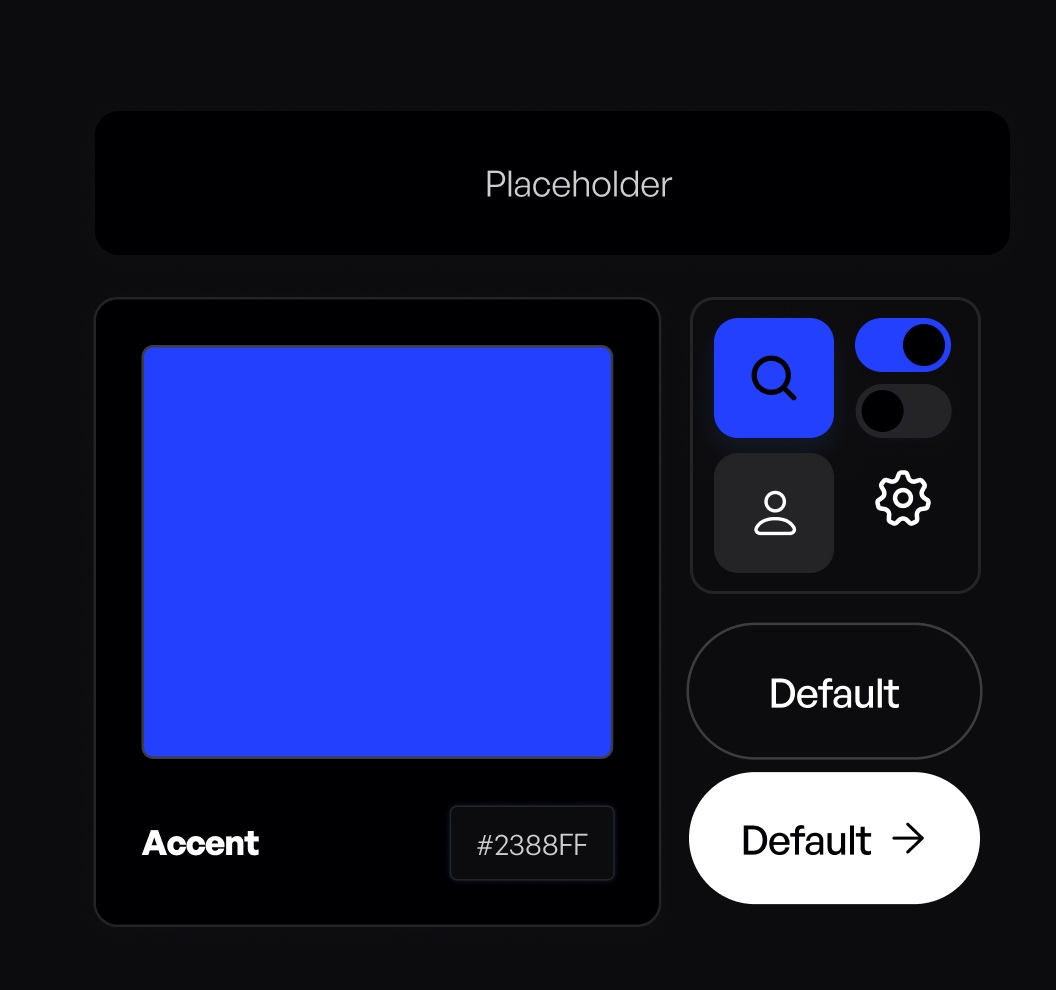
VoiceCloud - Styles and Symbols - Text to Speech App Webflow Template | BRIX Templates
25+
Styles & components
Figma Logo - VoiceCloud - Webflow Template | BRIX Templates

Figma file included

Send us an email to voicecloud@brixtemplates.com with your purchase receipt, and we will send you the editable Figma file for the VoiceCloud template.
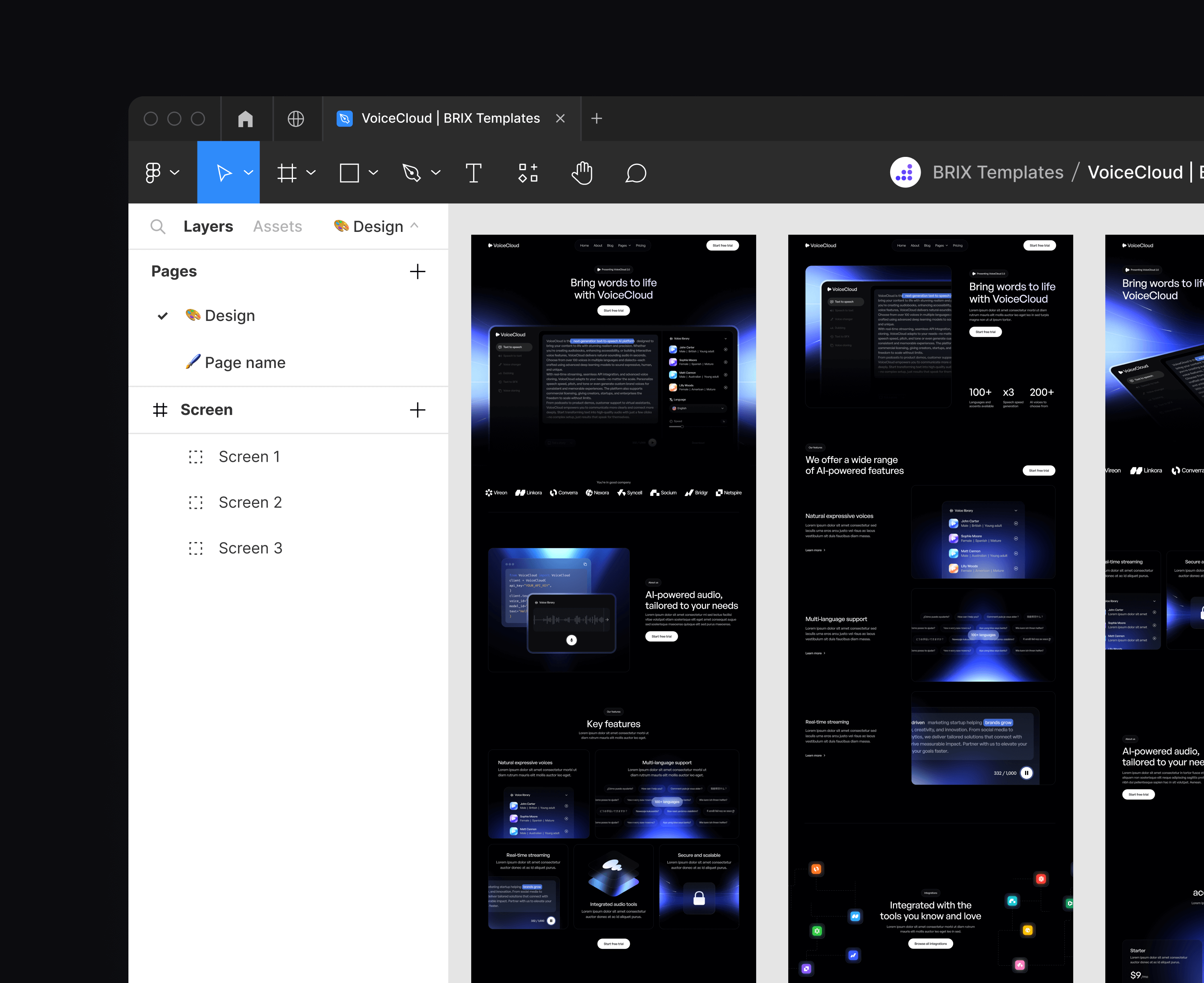

VoiceCloud - Figma File Included - Text to Speech App Webflow Template | BRIX Templates
VoiceCloud - BRIX Templates - Text to Speech App Webflow Template | BRIX Templates
Brix Templates Logo - VoiceCloud - Webflow Template | BRIX Templates

Looking for more amazing Webflow Templates?

Take a look at our collection of 100+ premium Webflow Templates at BRIX Templates.

Utility pages

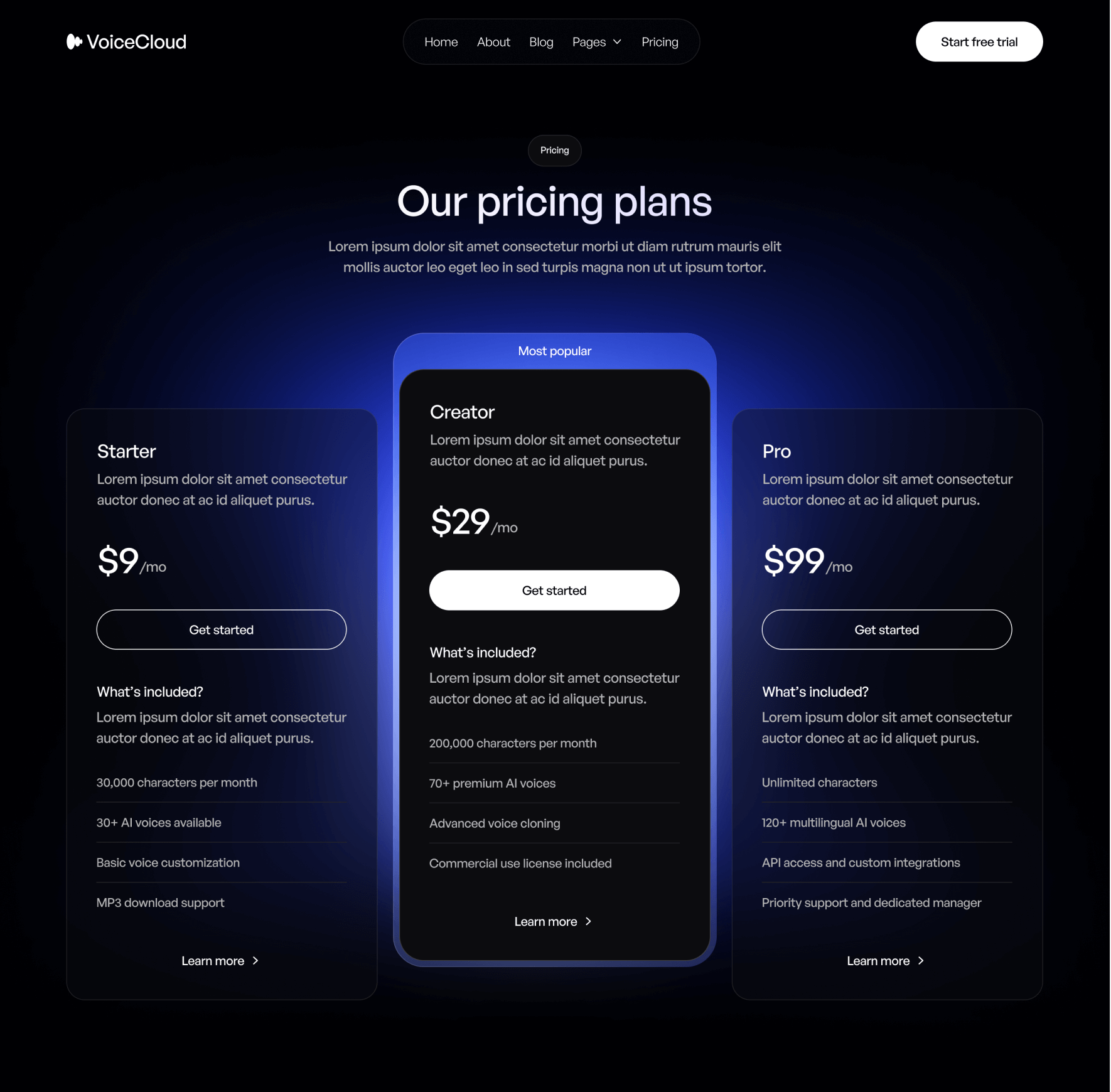
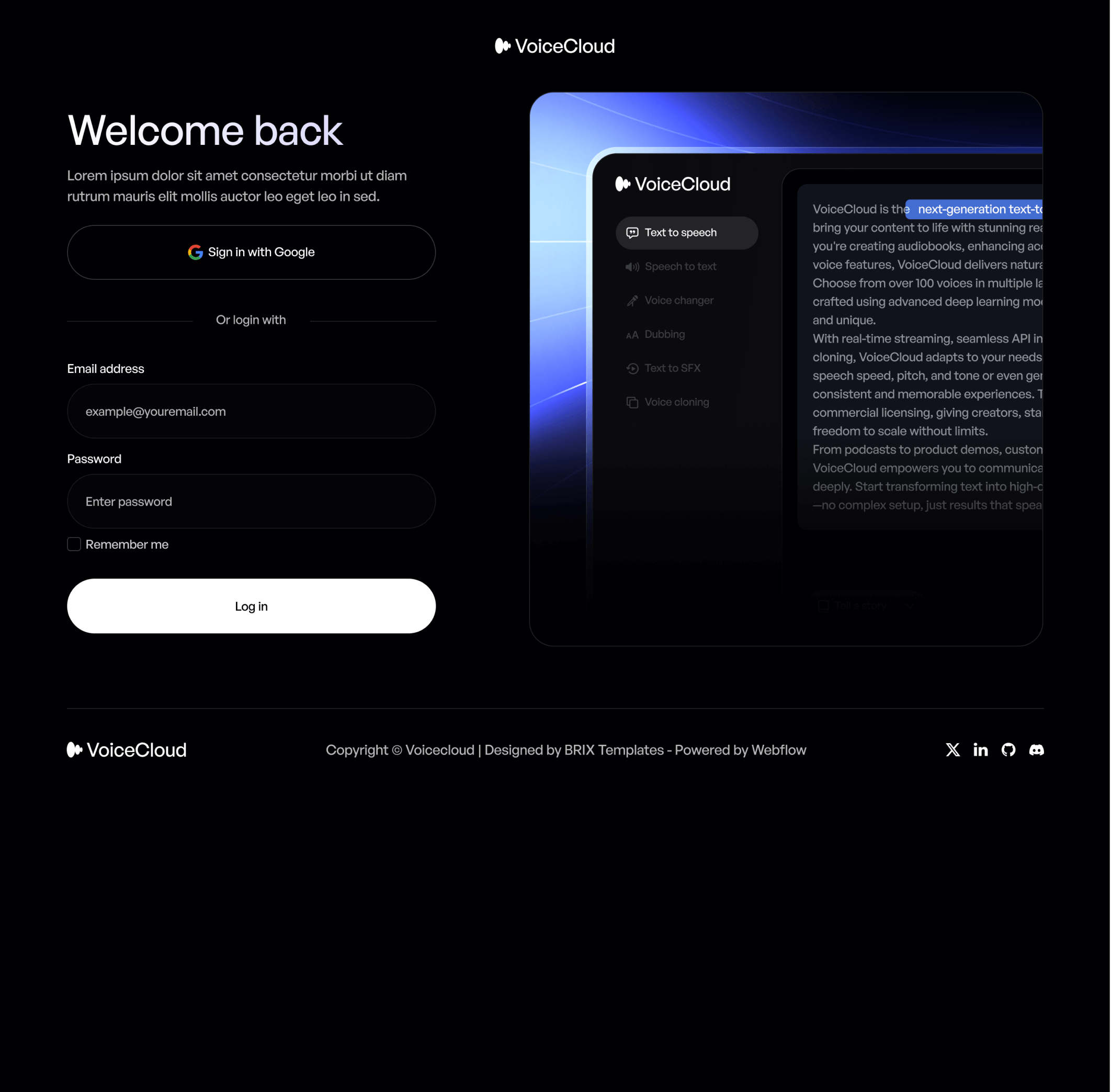
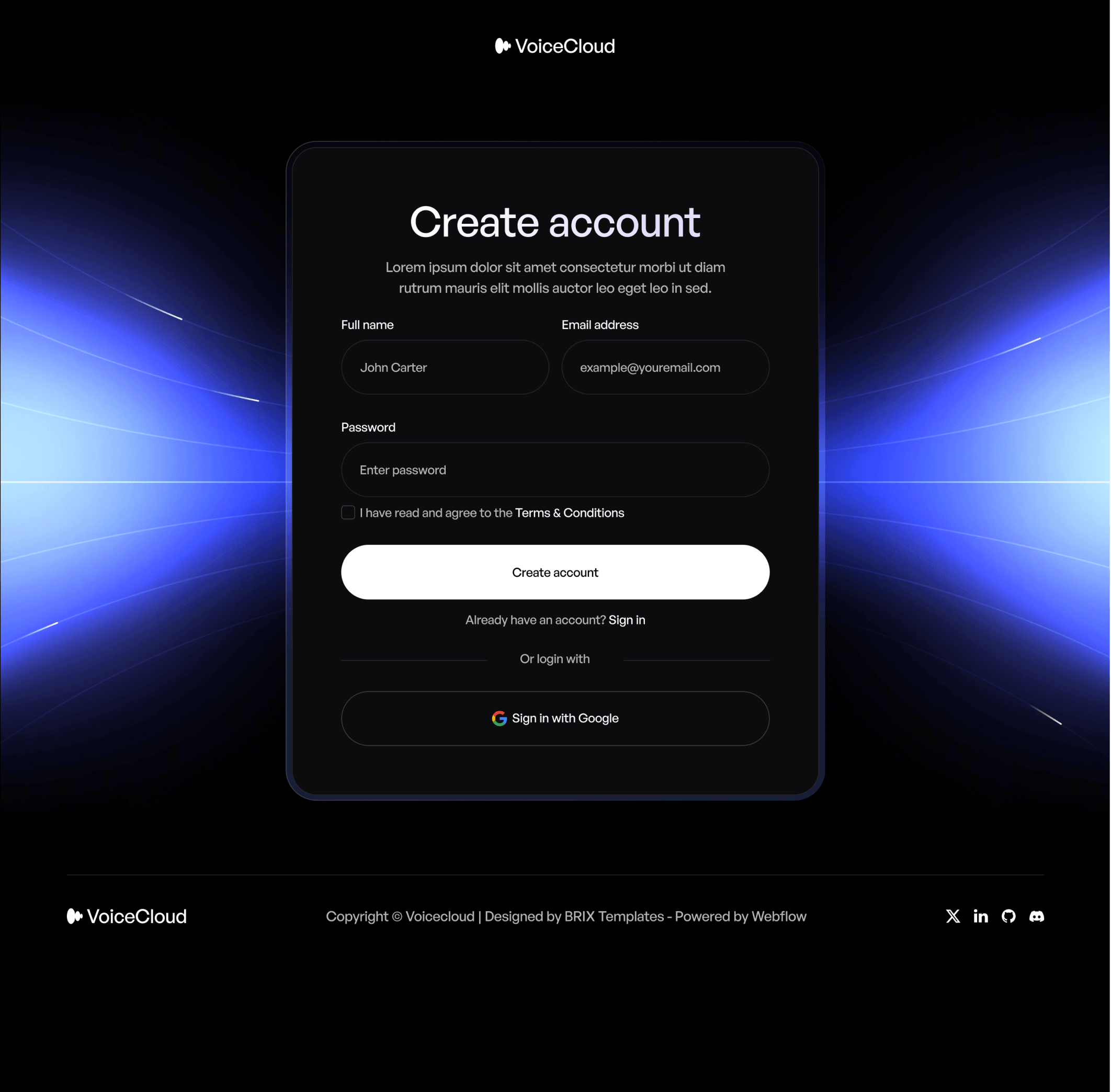
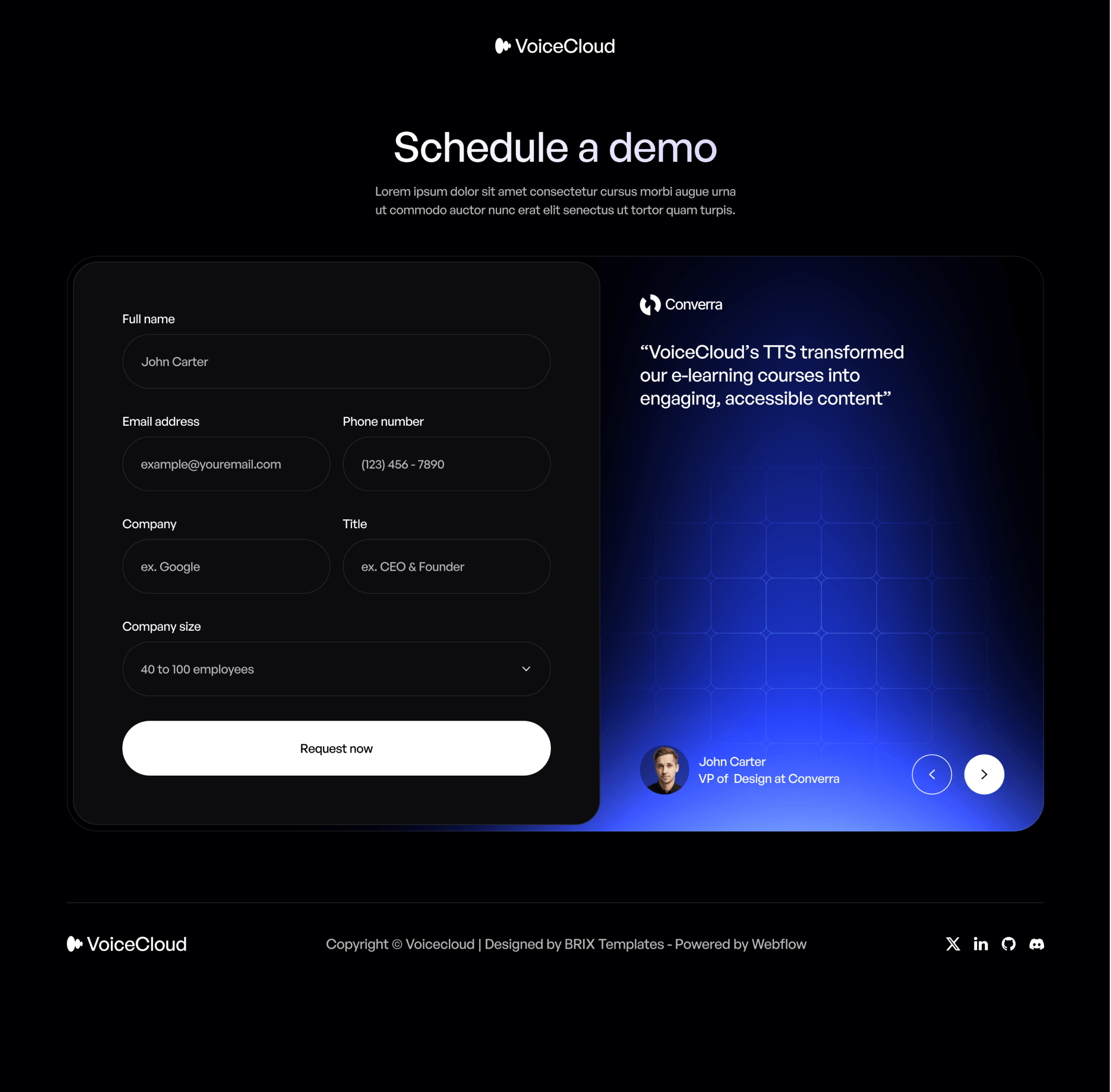
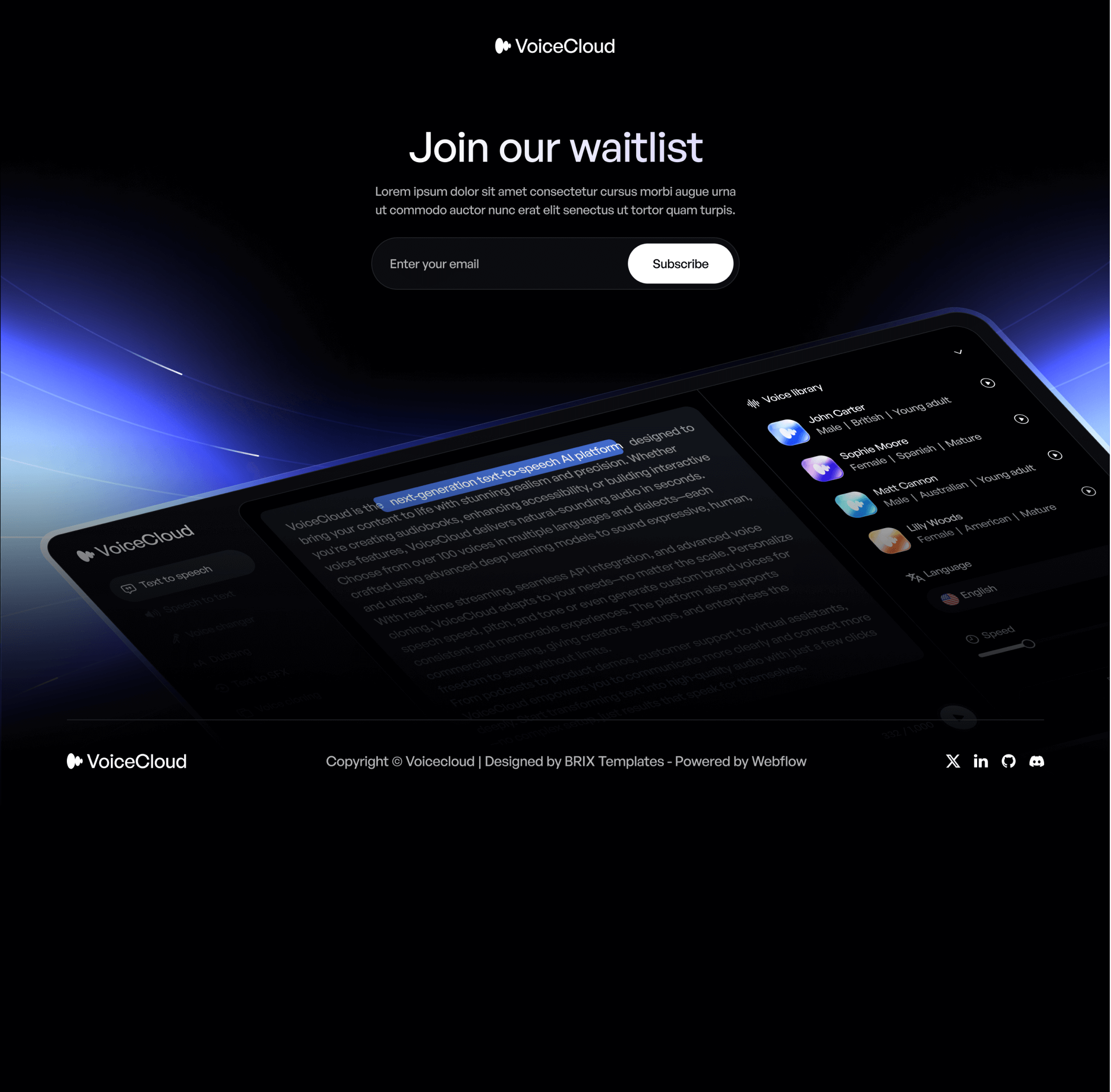
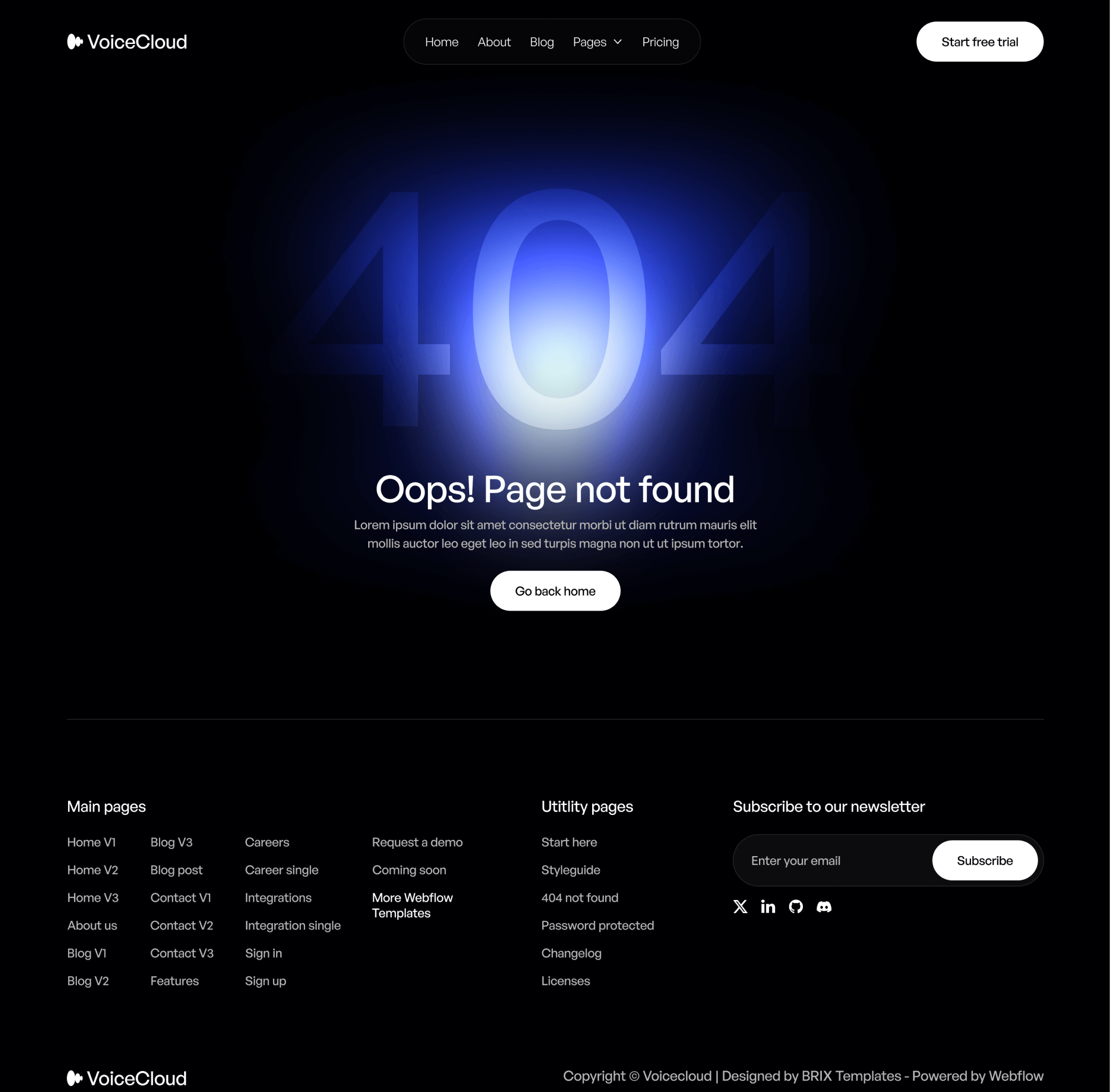
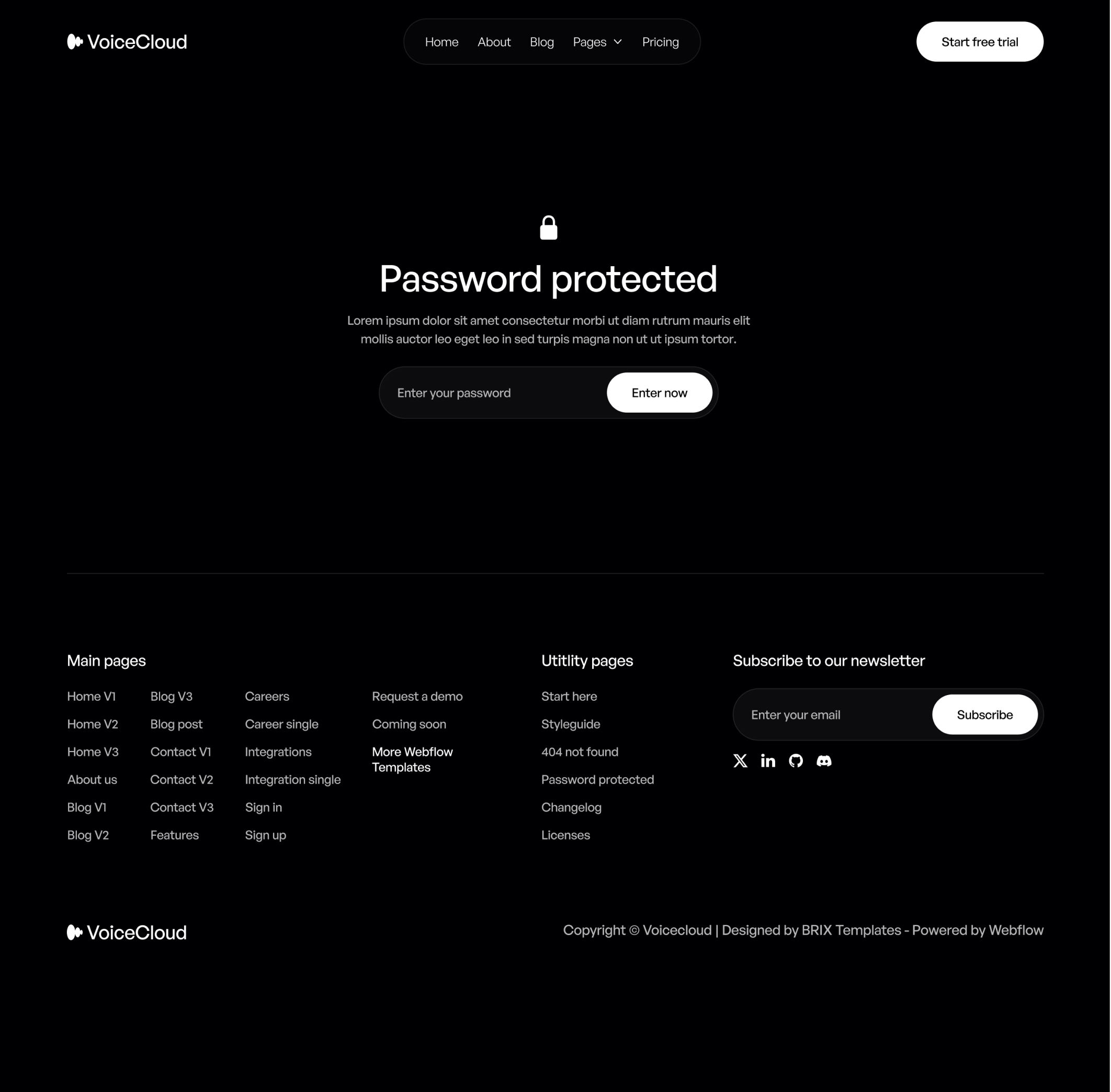
Take a look at the utility pages included in the VoiceCloud Template.

The VoiceCloud Webflow Template also comes with more surprises...

3 Headers and Footers

With a total of 3 different headers and footers, you can easily customize the VoiceCloud Webflow Template to fit your company needs and requirements.
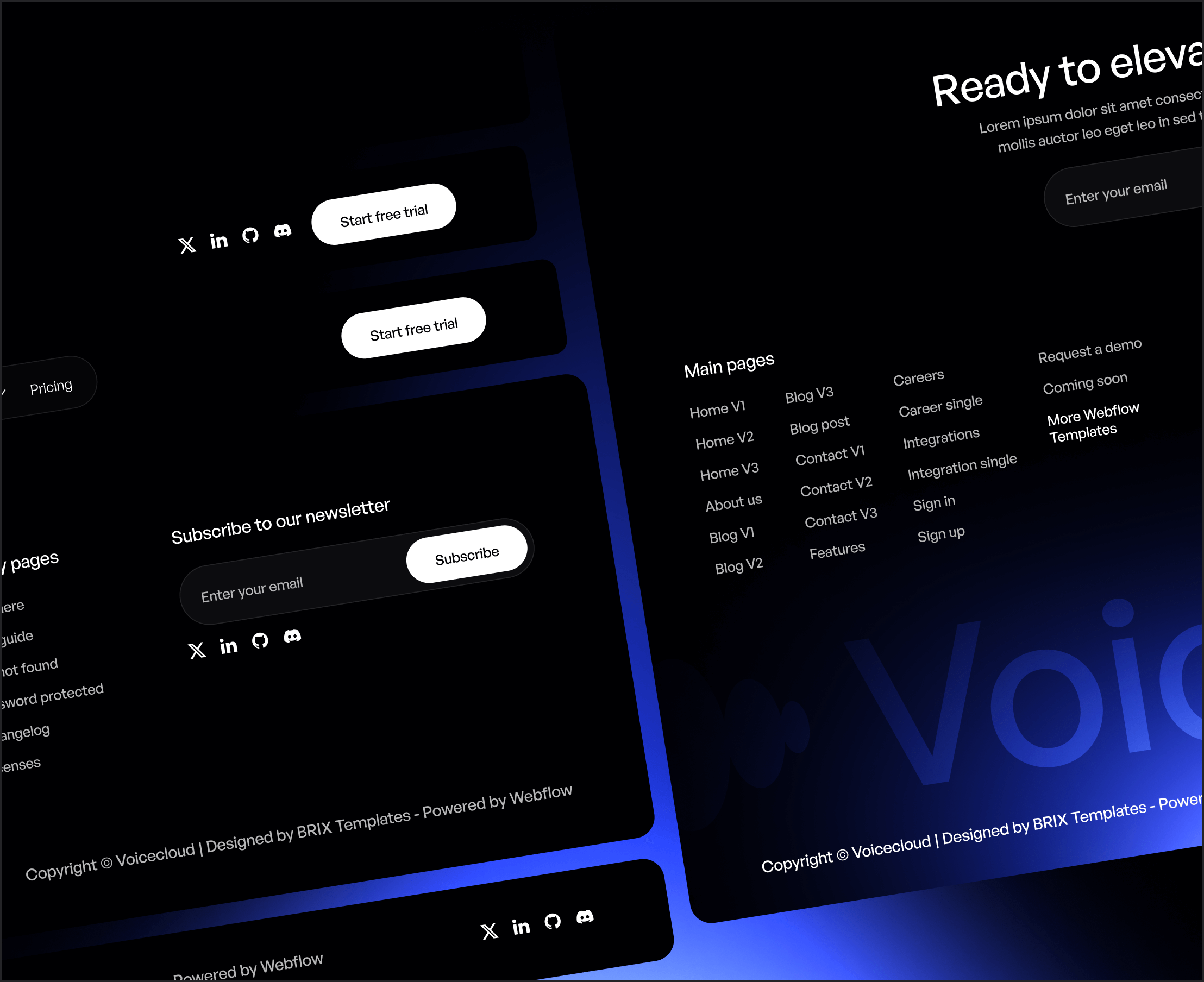
VoiceCloud - Headers and Footers - Text to Speech App Webflow Template | BRIX Templates
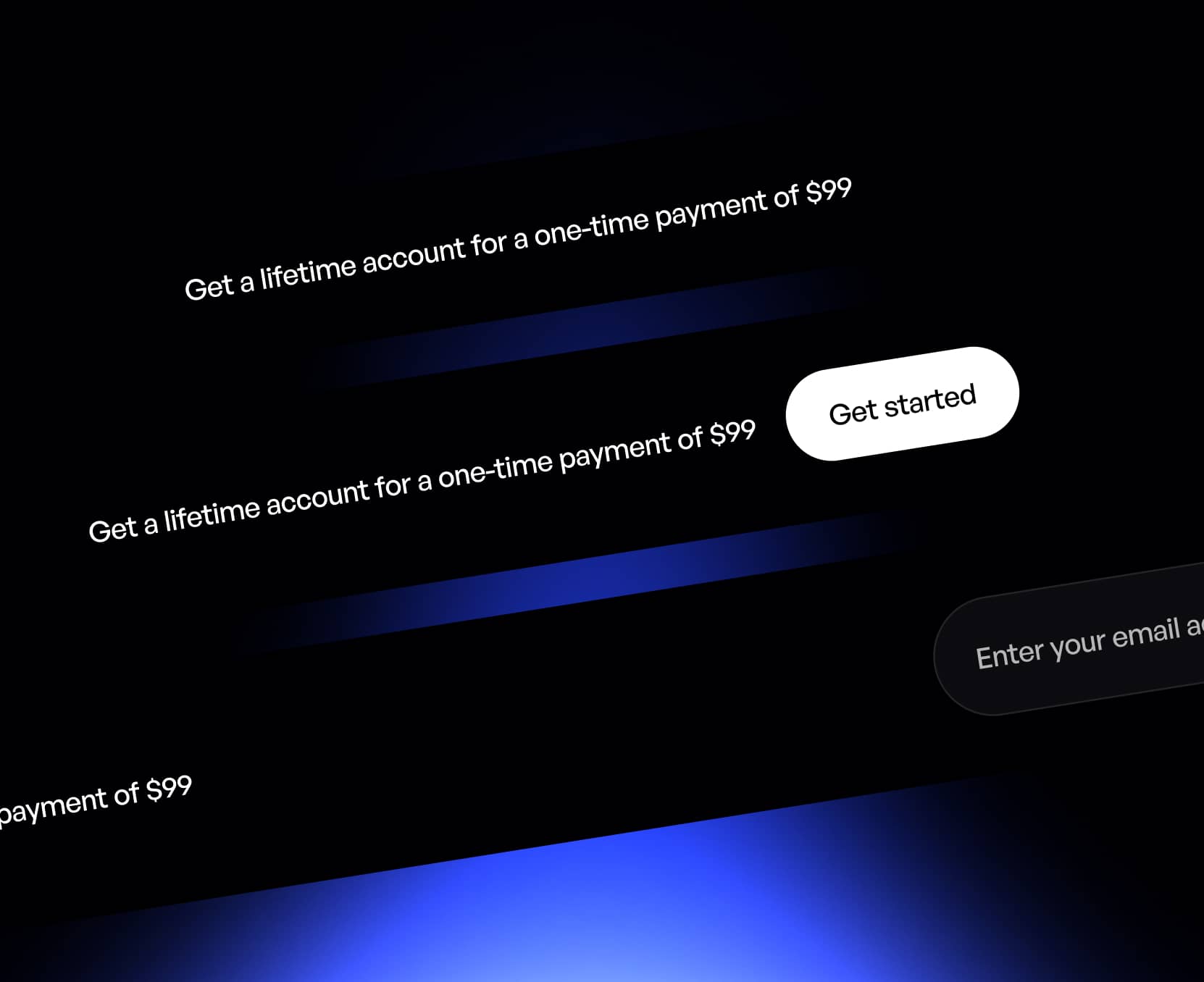
VoiceCloud - Notification Bars - Text to Speech App Webflow Template | BRIX Templates

3 Notification Bars

If you are looking to get more sales, use one of our 3 notification bars included in the VoiceCloud Webflow Template, and start promoting your products or services.

Custom Icon Set

The VoiceCloud Webflow Template includes 3 sets of custom icons (rounded, square and filled), so you can easily use more icon fonts in your template.

No matter if you are looking to add another social media icon in the footer, or change the cart icon in the header, we got you covered.

VoiceCloud - Custom Icon Set - Text to Speech App Webflow Template | BRIX Templates
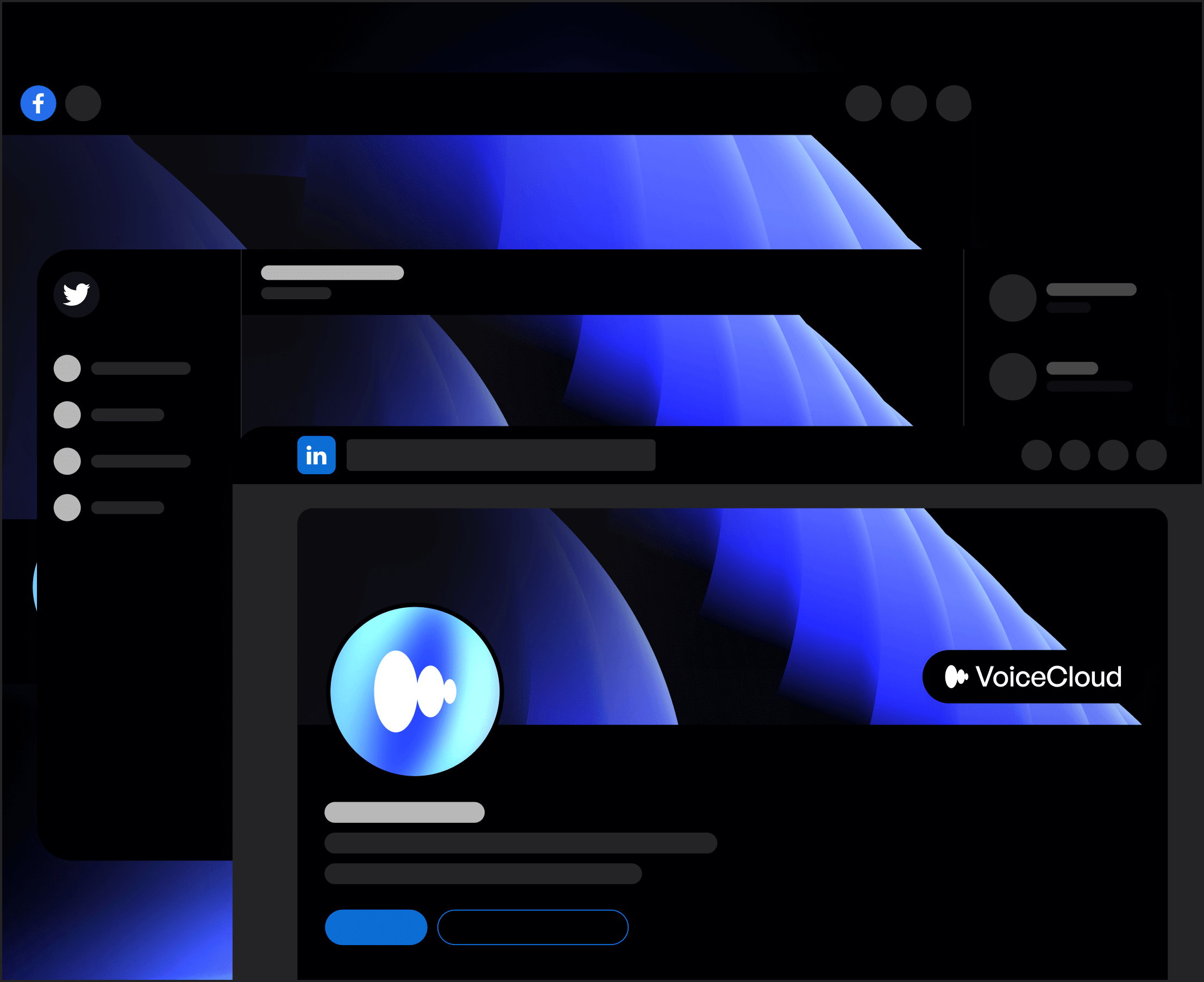
VoiceCloud - Social Media Assets - Text to Speech App Webflow Template | BRIX Templates

Social Media Assets

Our VoiceCloud Webflow Template Figma file includes a collection of social media covers that match with the Webflow Template design (for Facebook, Twitter and LinkedIn), so you can easily edit, customize, and use them for your own social media profiles.

Email Signature

Our VoiceCloud Webflow Template Figma file includes 2 custom email signature templates that match with the Webflow template, and you can use them to impress your customers with an amazing email signature.
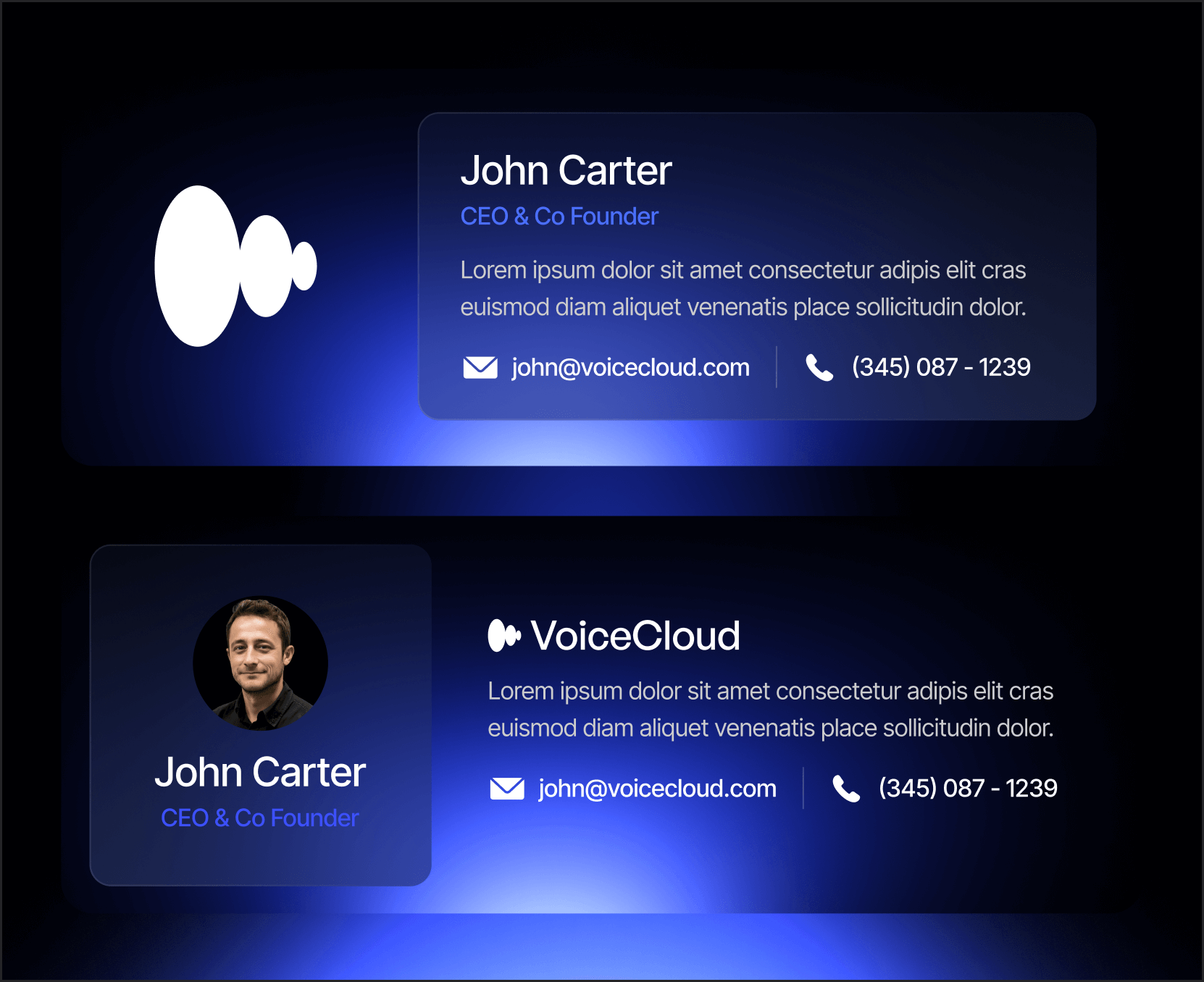
VoiceCloud - Email Signature - Text to Speech App Webflow Template | BRIX Templates